
Unblur Photo Online Free: Fix Blurry Pictures and Faces
Upload a blurry picture from last week or from 1985 and get a clearer copy, with sharper eyes and hair. This free unblur photo tool runs in an ordinary web browser on a phone or computer, and the first photo you fix each day doesn't need an account.
- 1 free photo a day
- No sign-up
- No watermark
- Never used to train AI
Restore your photo
Loading your photos…
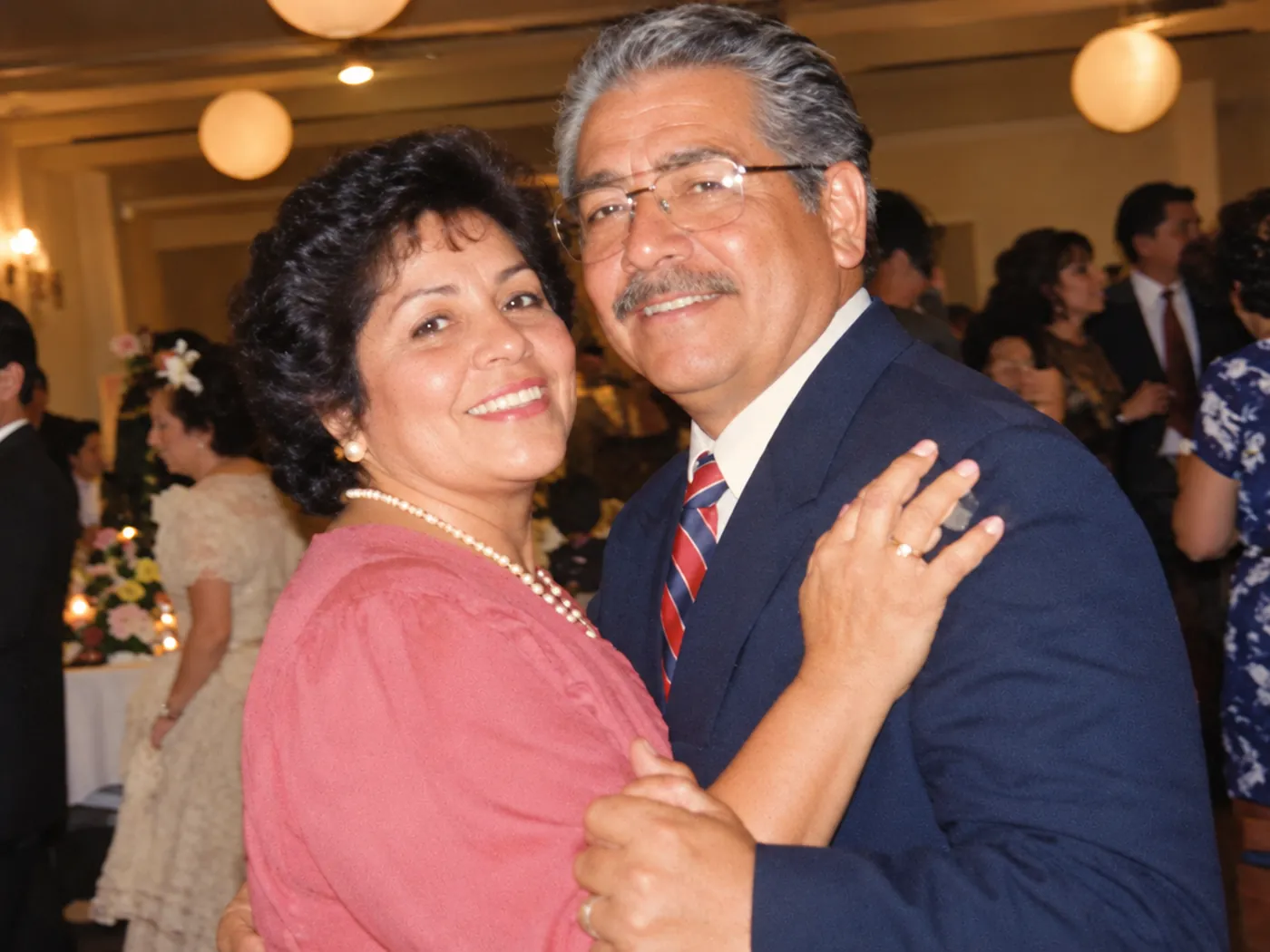
Sample photos: the people are AI-generated, and each restored version is a real result from this tool.
- BeforeAfter
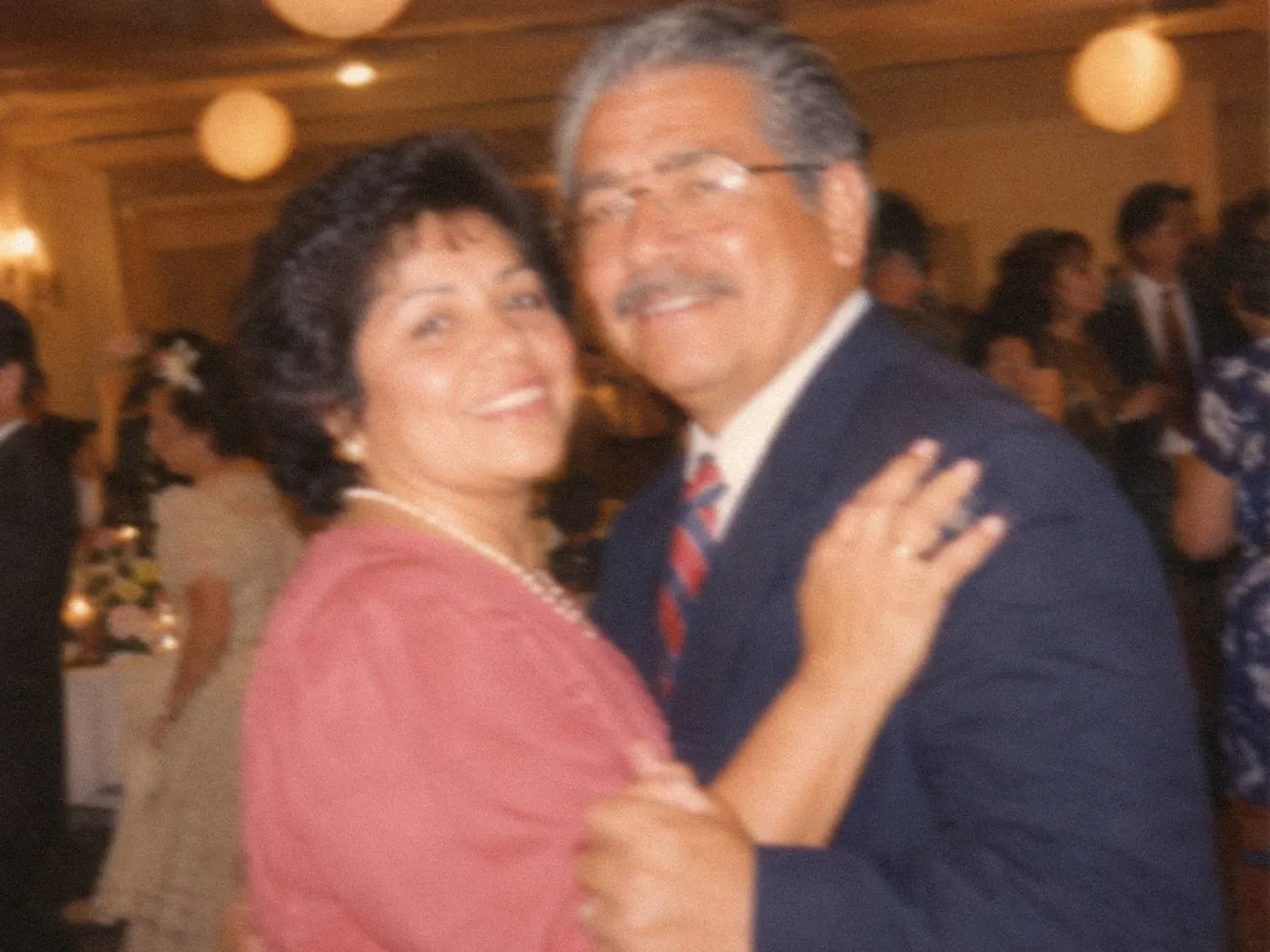
A blurry 1994 wedding photo 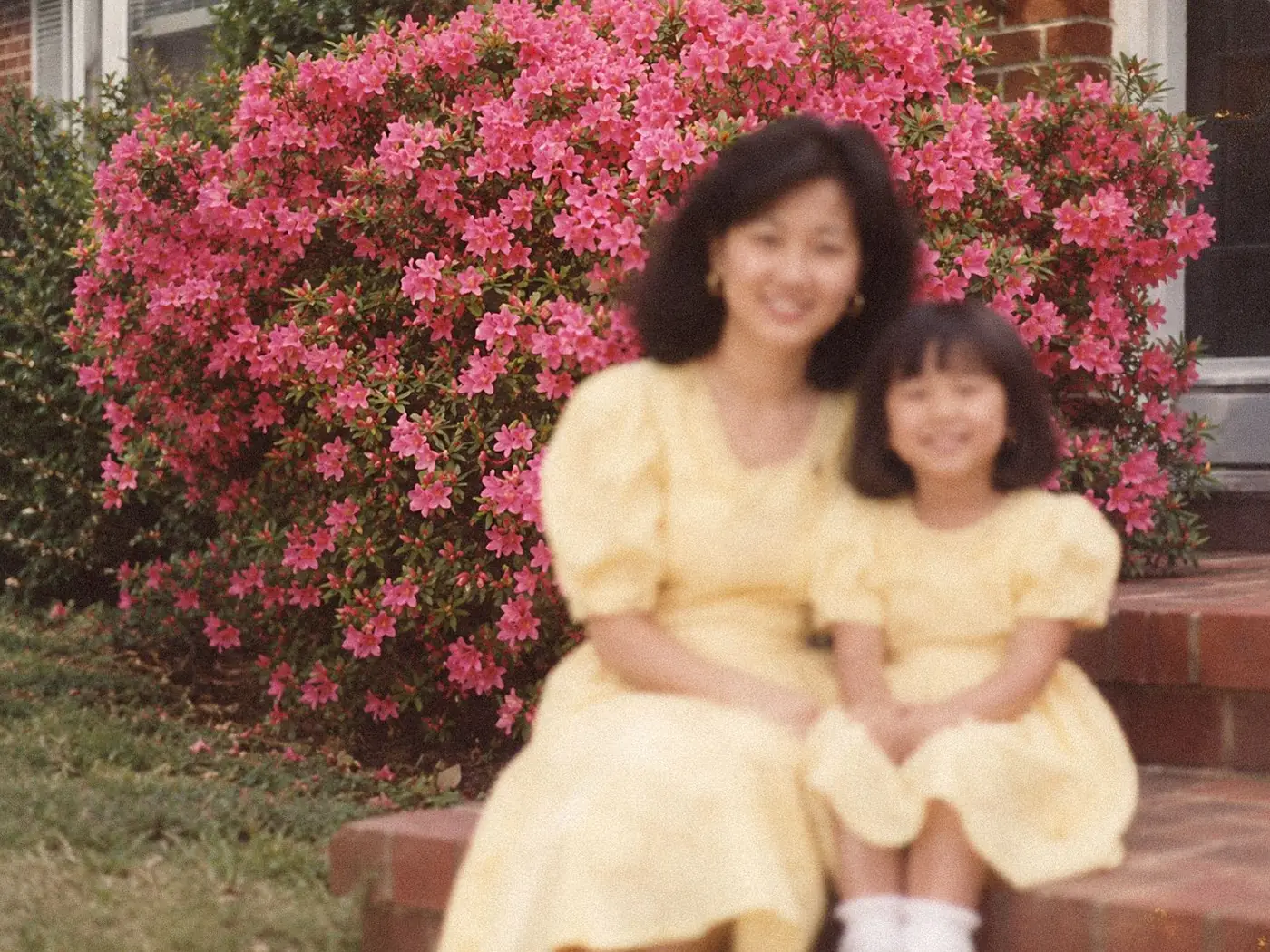 BeforeAfter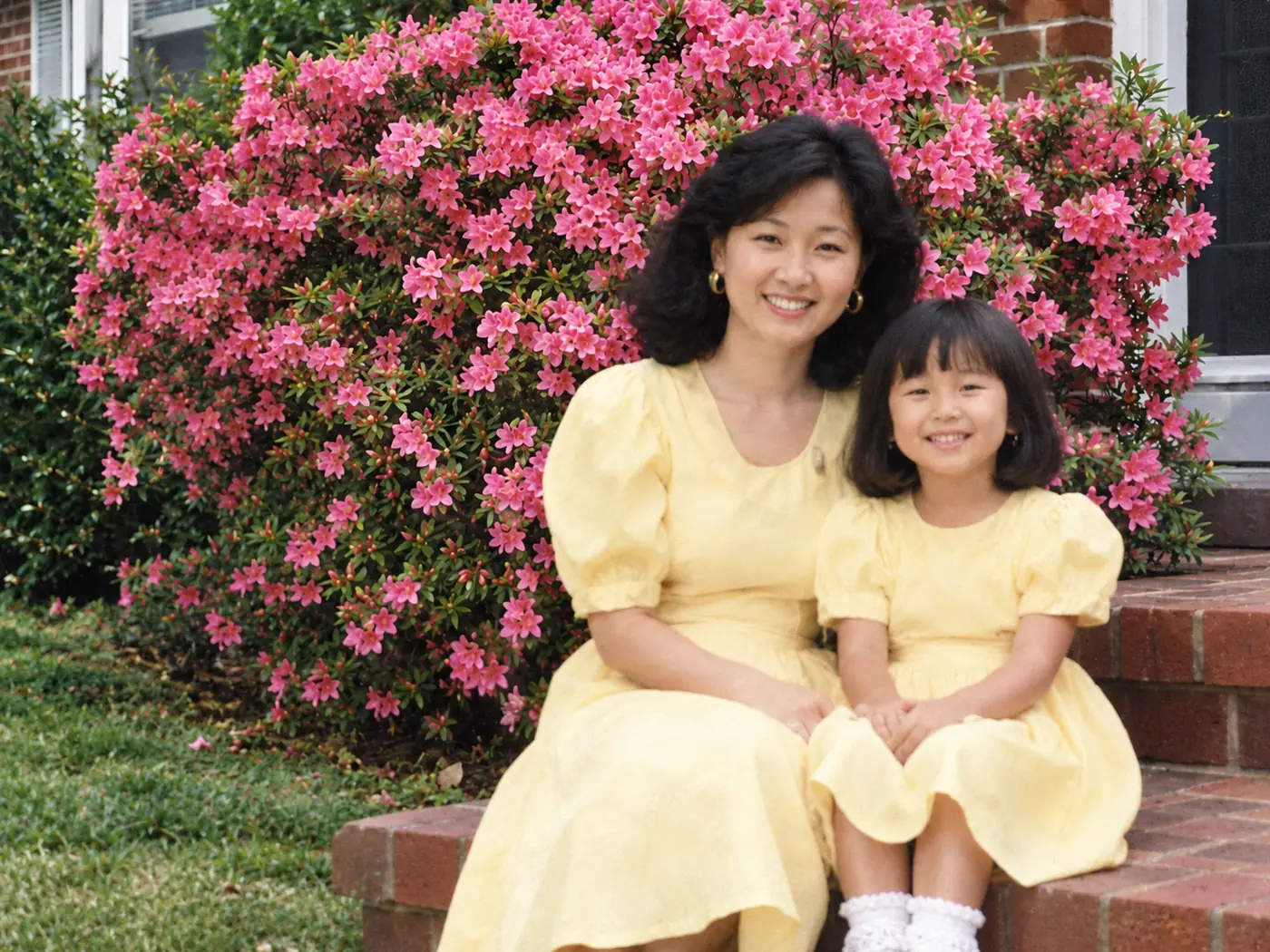
Soft focus  BeforeAfter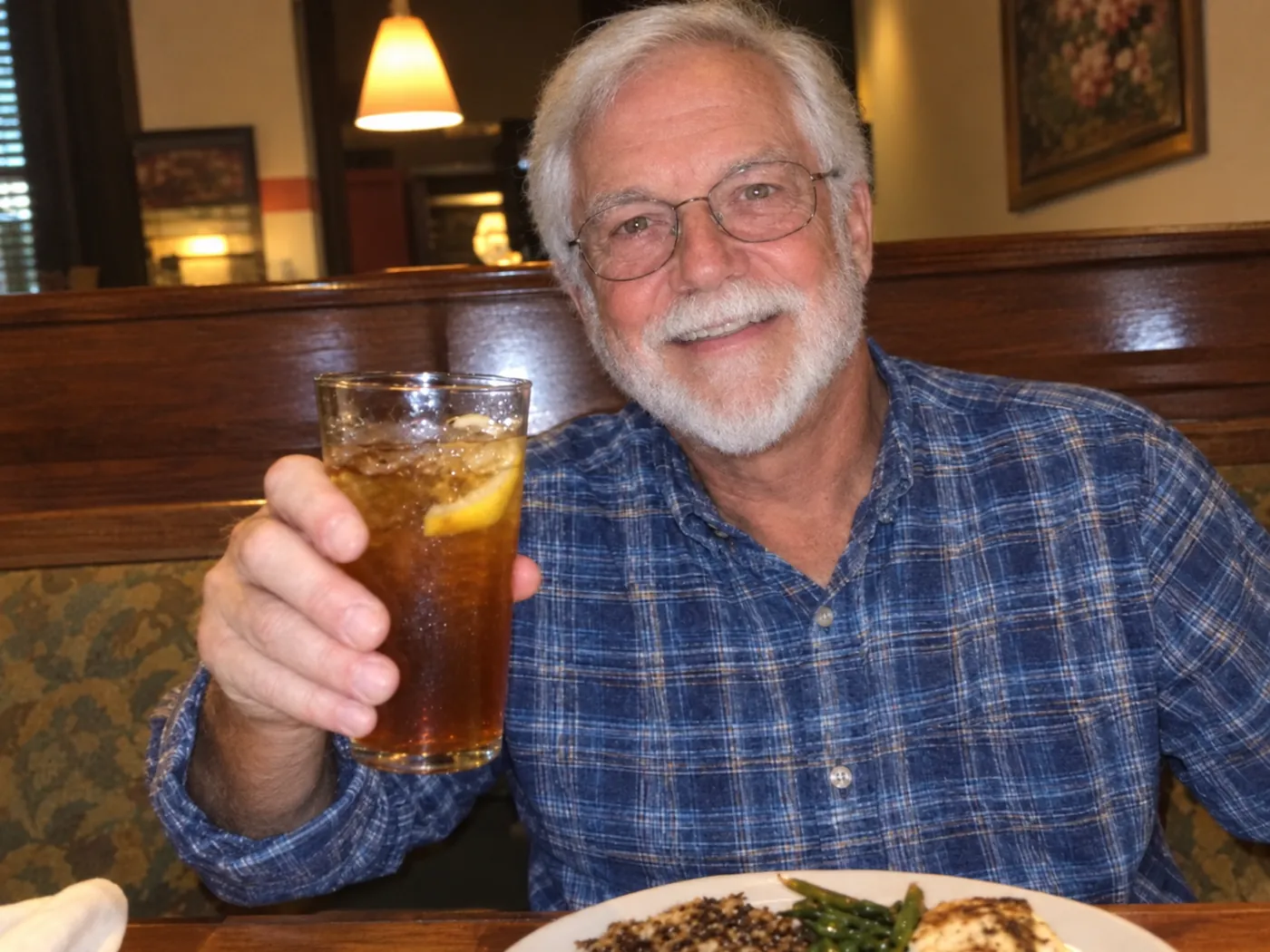
Slight camera shake  BeforeAfter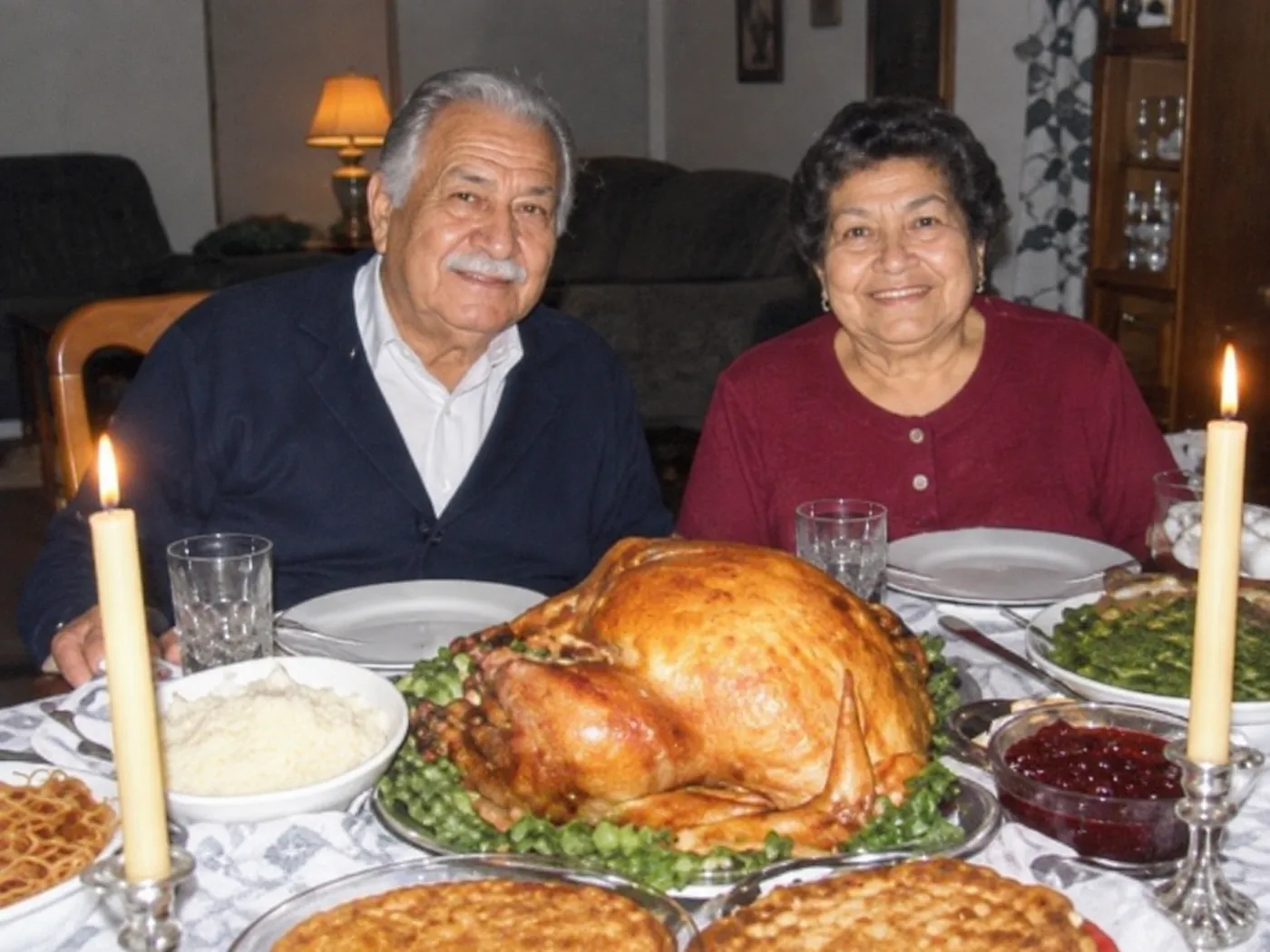
Low-quality recent photos 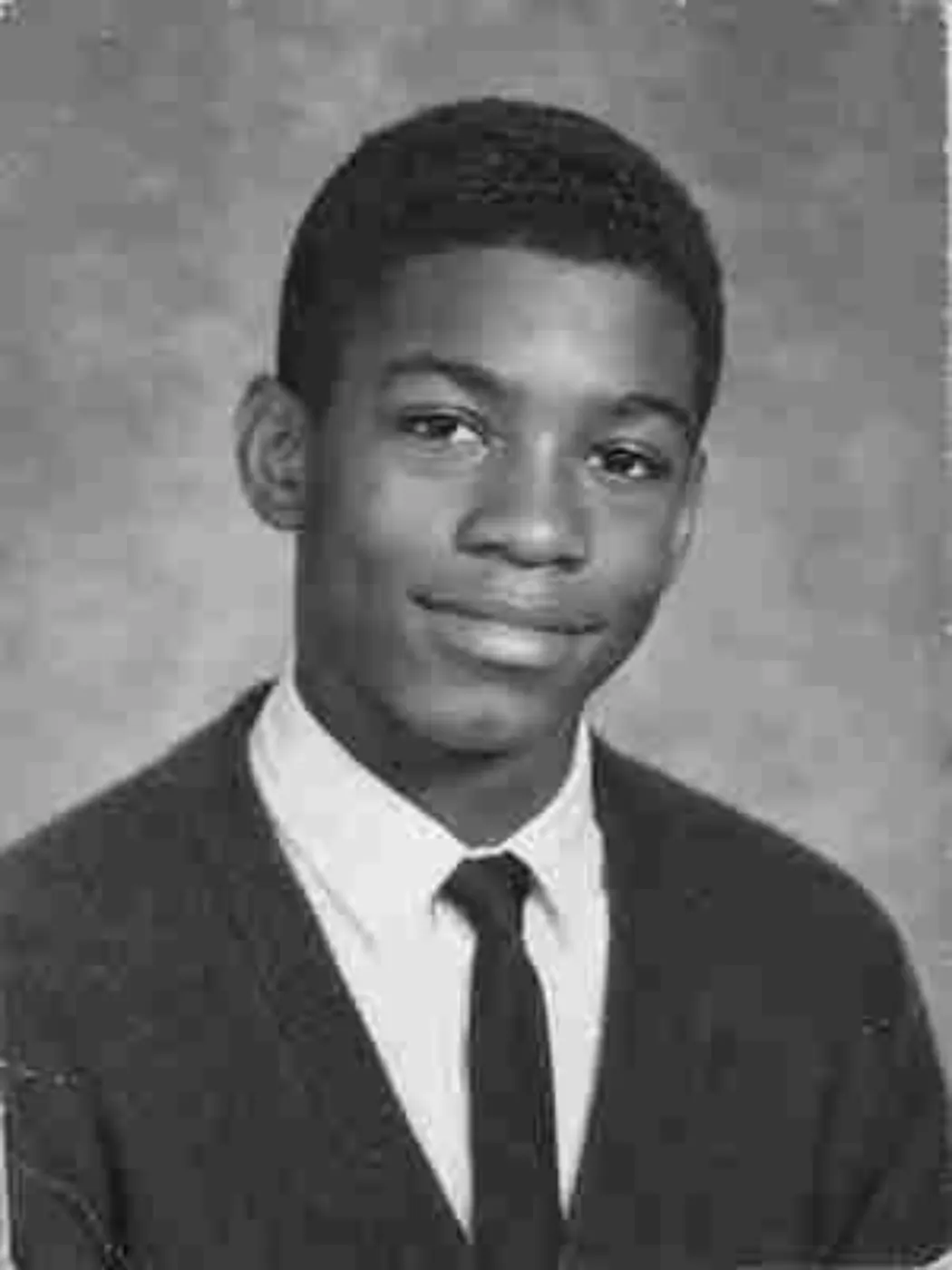 BeforeAfter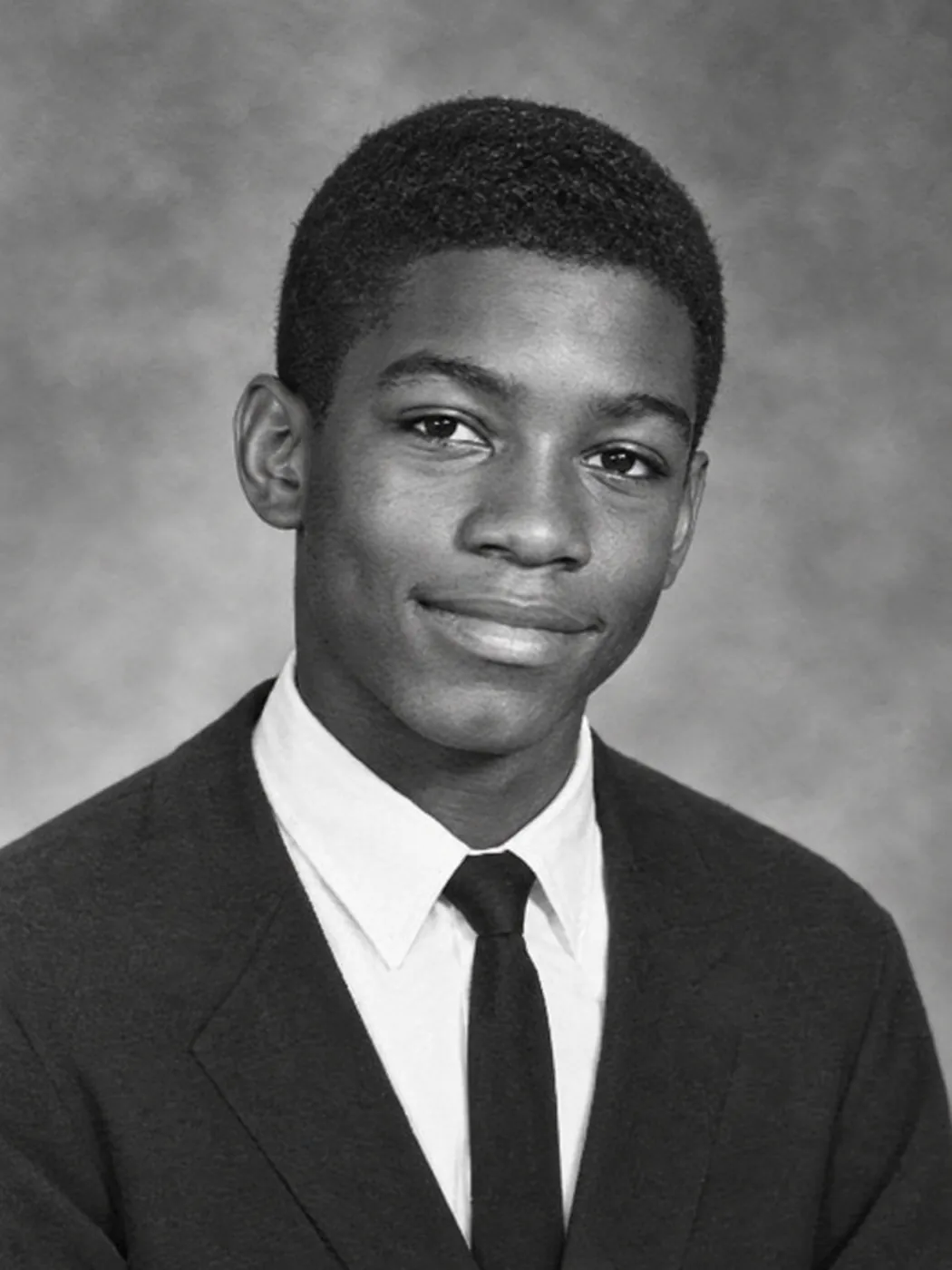
Small, low-quality files 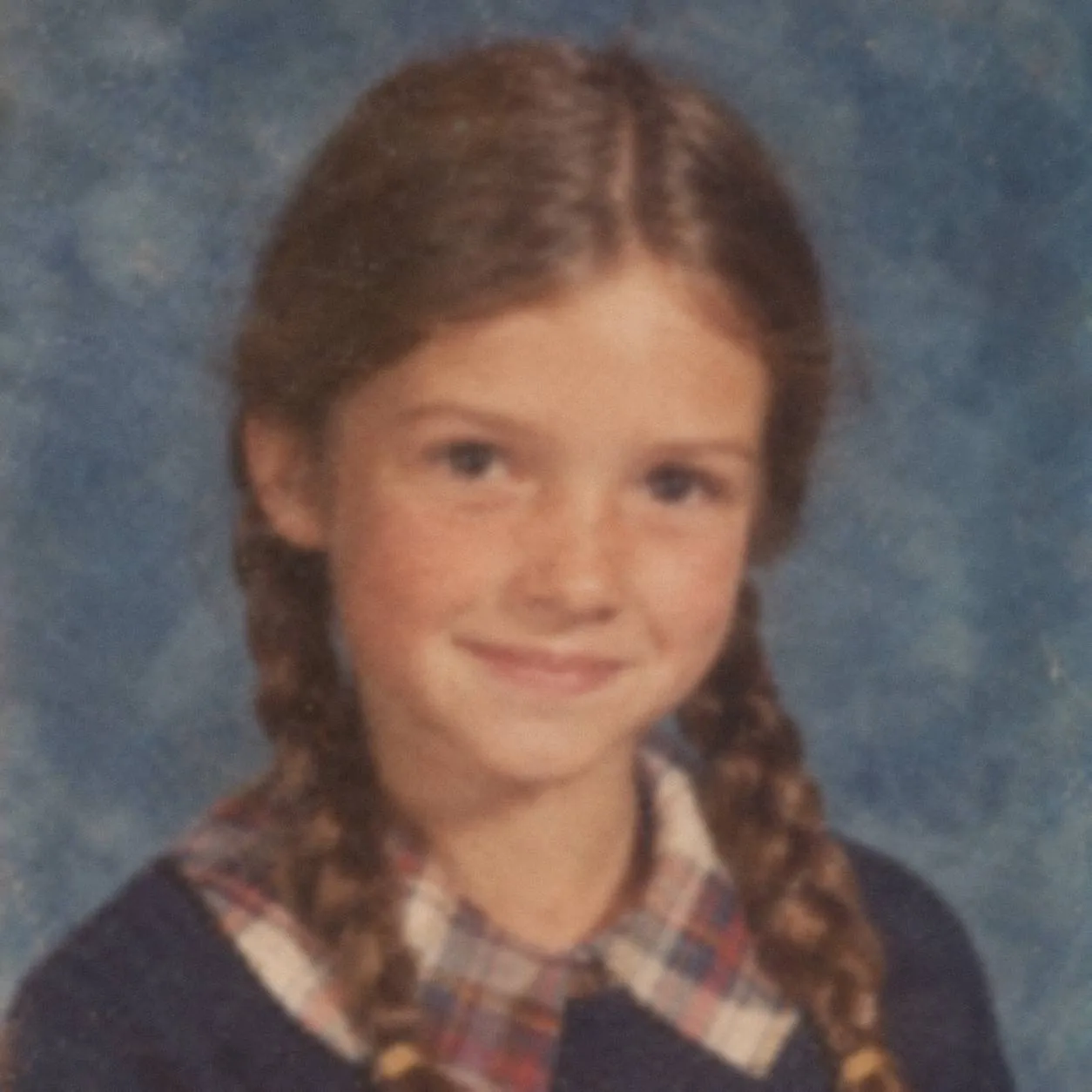 BeforeAfter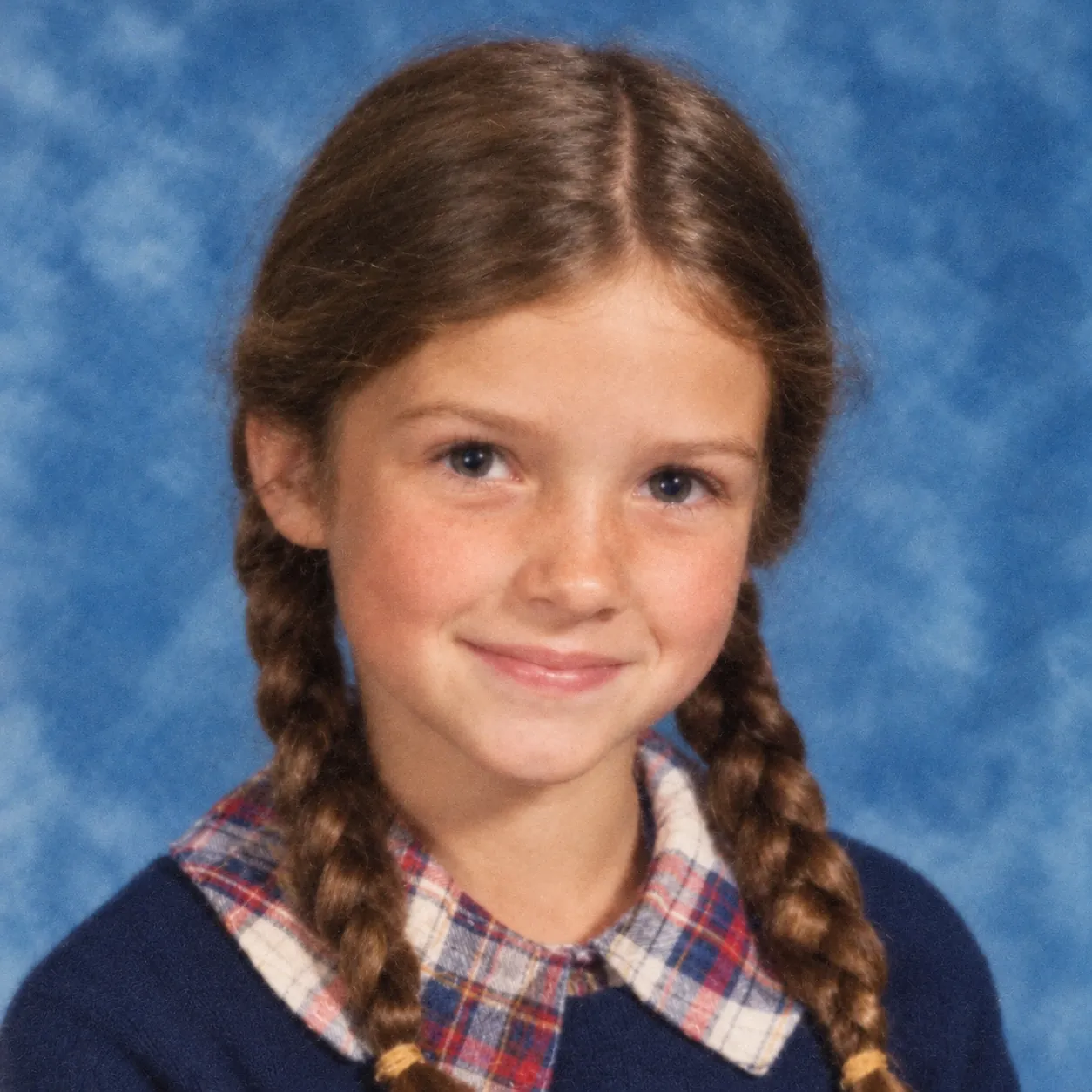
Blurry faces
Can you unblur a photo? It depends on the blur
Often, yes. You can fix blurry photos from old prints and scans as well as phones, though some kinds of blur clear up much better than others.
These often clear up
Soft focus
The camera locked onto the bushes instead of the people, or an old point-and-shoot never got quite sharp. Because the face is soft but complete, eyes and smiles often come back clearer.
Slight camera shake
A hand moved a little in dim light, so every edge has a faint double. Plenty of recent phone photos from restaurants and living rooms look like this.
Small, low-quality files
- a tiny scan someone made years ago
- a photo from an early digital camera
- a picture forwarded so many times it turned blocky
The blocks usually smooth out and faces get cleaner edges, but any fine detail the file never held is filled in by the AI.
Hit or miss: heavy motion blur, where the whole picture is streaked, and tiny faces at the back of a big group. Some come out clearer and some barely change.
Can't be fixed: a face lost to a tear or a stain. There's no blurry face left to sharpen there, so any AI would have to make up a new one. A professional photo restorer may be able to help, sometimes by rebuilding the face from other pictures of that person; see what photo restoration services cost.
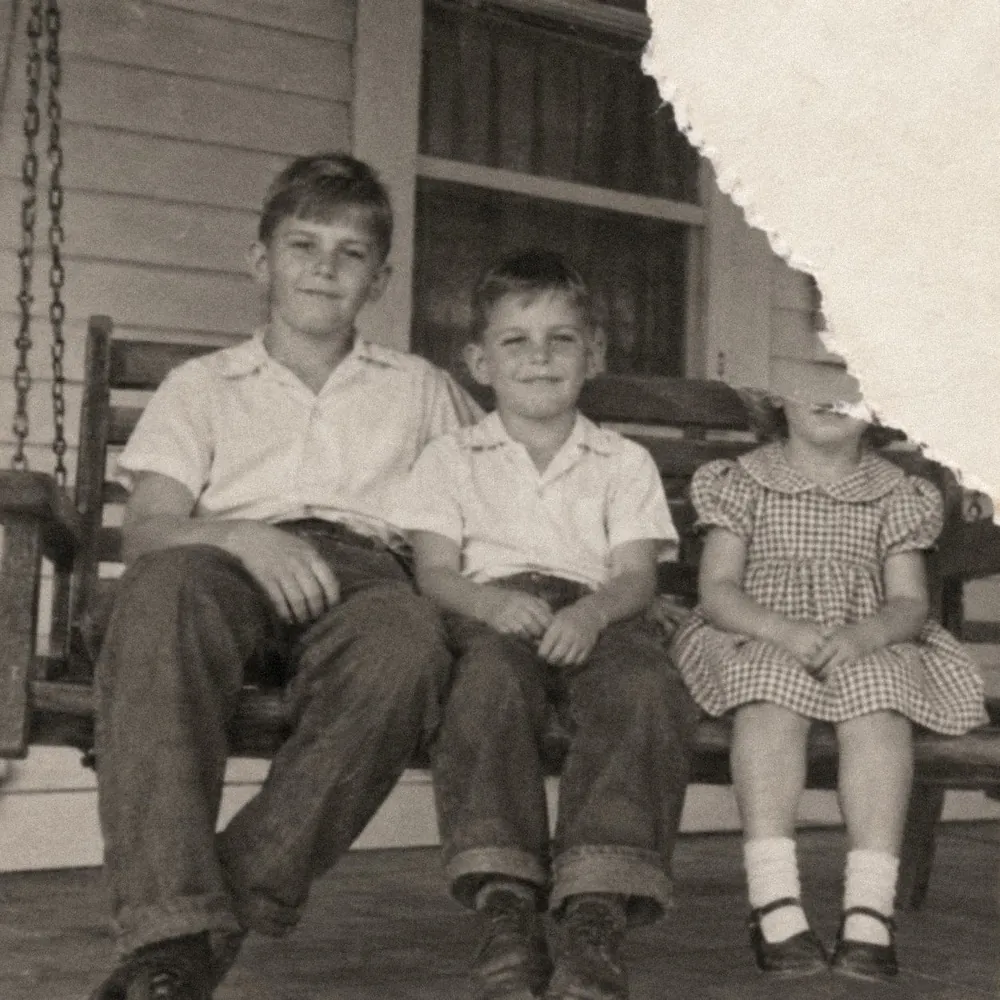
Examples on this page: AI-generated people, real results from this tool.
How to fix blurry photos in 4 steps
Here's how to unblur an image on this page, from a phone or a computer.
Step 1: Find the sharpest copy.
Use the original file if you can; a screenshot or a copy sent in a chat may be smaller. For a print, set the scanner to 600 DPI (some scanners call it resolution), or photograph the print flat by a window with the flash off. More tips: how to scan old photos.
Step 2: Upload it.
Tap Choose a photo, or drag the picture onto the upload box. For a first try, stay with the defaults: Keep original colors and Balanced.
Step 3: Press Restore photo.
It usually takes 1 to 3 minutes, sometimes longer. Don't close the page or let the screen turn off while it works.
Step 4: Check the face, then download.
Slide the divider across the eyes and mouth. If the person looks like themselves, tap Download. A copy also stays in Your photos, for 30 days if you're not on a paid plan.
More detail or Closer to the original?
Both sit under More options, with Balanced as the default in between. Start there and switch only if the result asks for it.
- More detail: try it on a small or very soft photo that still looks fuzzy on Balanced, like a wallet-size scan. AI may fill in fine detail, so check the face closely.
- Closer to the original: tells the tool to make fewer changes. Pick it for a face you know well, or when something about the face looks off after a first try.
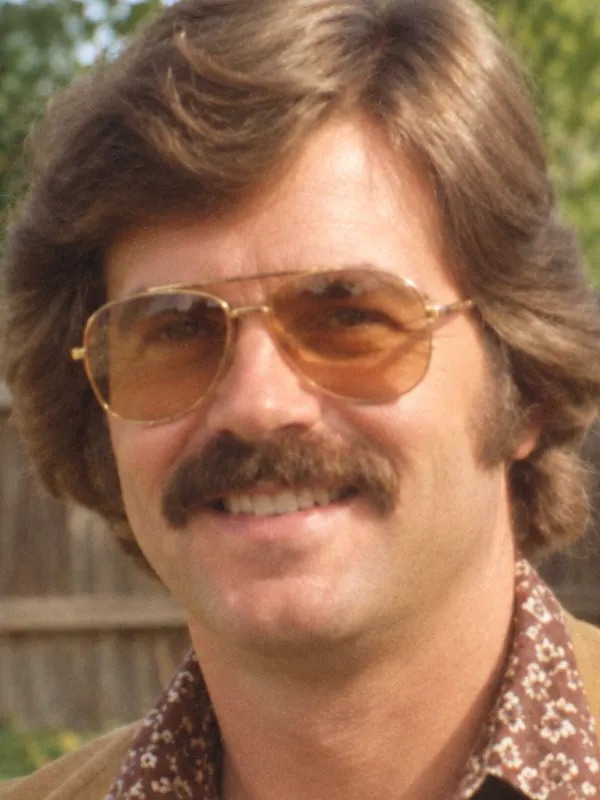
Closer to the original 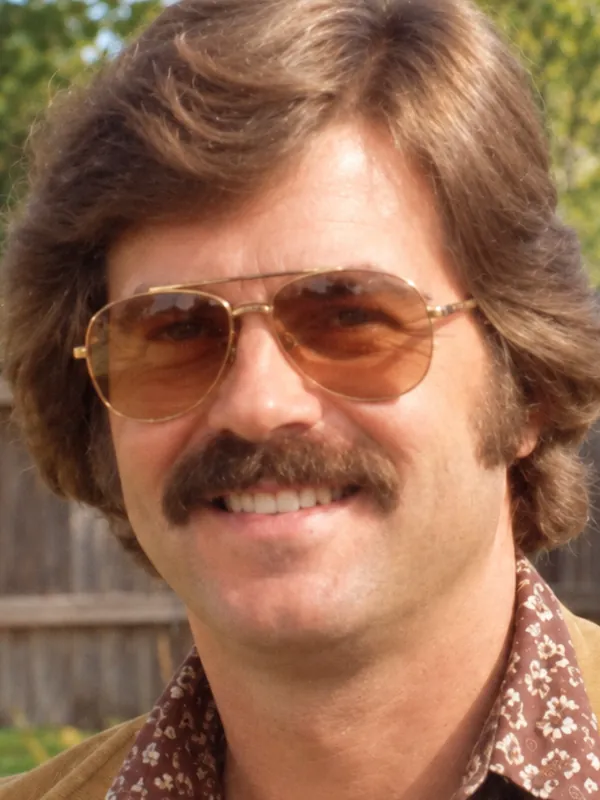
Balanced 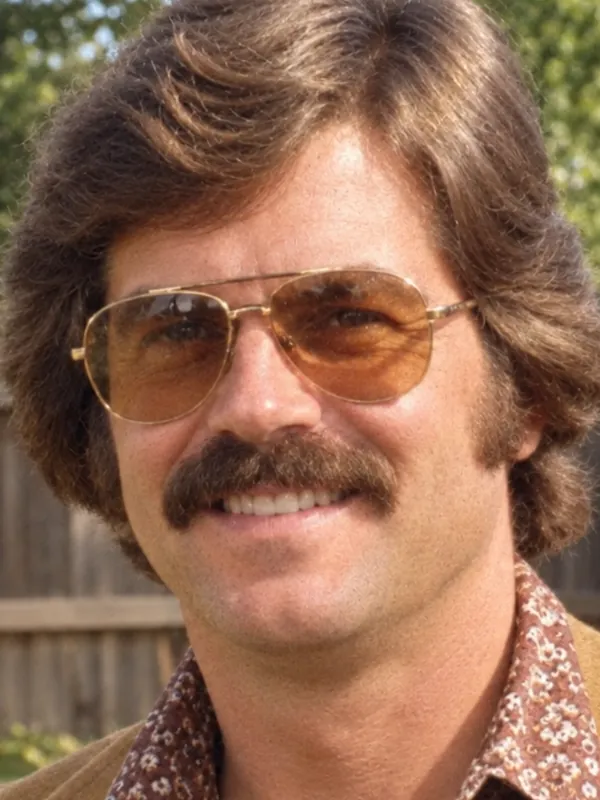
More detail
Unblur face details, then check it's still them
Some AI tools change the face while they sharpen it. On this page the AI is instructed to work on the blur and keep the face shape, expression, glasses, hairstyle and clothes as they were.
Blur wipes out fine detail, and every AI tool, this one included, has to fill some of it back in, such as eyelashes and strands of hair. So a tooth or an earring may come out slightly different. Zoom in on the slider before you download, and hold on to your original file.
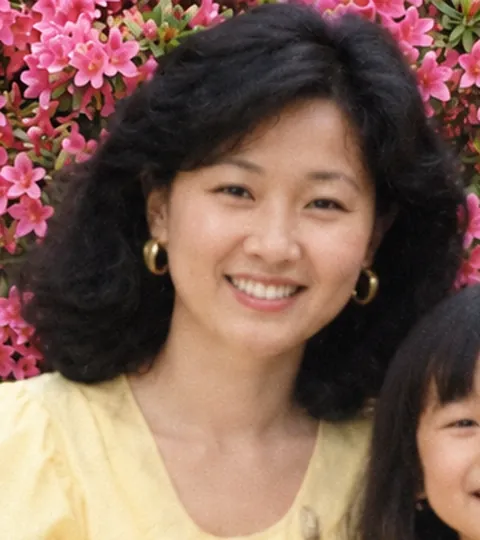
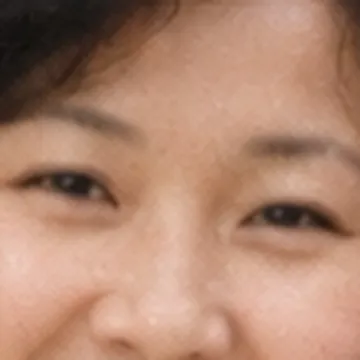
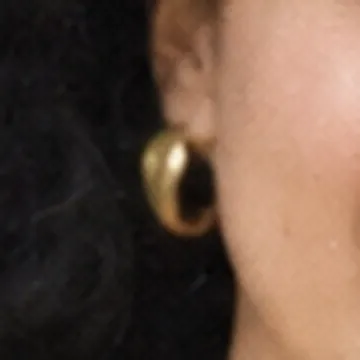
Unblur image with AI, or just sharpen it?
A sharpen slider, found in most photo editors, adds contrast to edges the photo already has. That can be enough for a picture that's only a touch soft. On a really blurry one it mostly makes grain and bright edge outlines worse, because a slider can't bring back detail that's already gone.
An AI tool draws in what the blur wiped out instead, such as the line of an eyelid. That added detail is the AI's best guess, not something recovered from the file.
How to unblur a photo on iPhone or Android
You can fix blurry pictures right on your phone, in an ordinary web browser such as Safari or Chrome. There's no app to install.
Step 1: Open codeformer.io/unblur-photo, tap Choose a photo and pick the blurry shot from your photo library.
Step 2: Tap Restore photo. If your screen dims quickly, touch it now and then until the result shows up.
Step 3: Tap Download. iPhones save the file to Downloads in the Files app, and you can move it into Photos from there. Android phones put it in the Downloads folder.
Unblur photo free: what you get
With no account, one standard-size photo a day is free, color included. For a 4:3 picture that comes to about 1,450 × 1,090 pixels, fine for a phone screen or a small print. A free account adds 2 credits a day, and since a standard photo costs 2, you can fix one more photo daily.
For a bigger print, a 2K (4 credits) or 4K (8 credits) result gives you a larger file. Those sizes and commercial use come with any paid option: a one-time credit pack, or Basic at $9.90 a month for 100 credits, Family at $19.90 a month for 250 or Archive at $49.90 a month for 600. A subscription is never required. See pricing
Free photos are for personal use, like a family album or a memorial slideshow.
Unblur photo FAQ
Not exactly. Blur throws detail away, so no tool can bring back precisely what the camera missed. The AI rebuilds the most likely version from what's left, so the less there is, the more it has to guess.
Start from the sharpest copy you have and run it through the tool above on the defaults. If it still looks soft, try again with More detail. Each try uses a daily photo or credits, and signing in free gives you one more standard photo today.
Yes. While it works on the blur, the AI also repairs scratches, creases, small tears and fading. Faces lost to a tear or a stain are another matter; the restore old photos online page explains what can and can't be restored.
Google Photos has its own unblur edit. CodeFormer.io is a separate website, not connected to Google. If you have both, try the same photo in each and keep the version that looks more like the person.
Only to fix fading. On this page the default is Keep original colors, so black and white stays black and white, while a faded color print's yellow or orange cast is corrected. Want color added? Choose Bring back color, free for everyone, or use the colorize photo page. Added colors are an educated guess.
Faces near the front give the AI the most to work with, while small faces at the back of a big group are hit or miss because each one may be only a few pixels wide, so scan the print at a higher setting if you can.
No. The tool takes one photo at a time, as a JPG, PNG or WEBP file up to 30 MB, and there's no batch upload, API or video option.
Yes. Each photo stays private to whoever uploaded it, never appears in a public gallery and is never used for AI training. Without a paid plan, photos are deleted automatically after 30 days, and you can remove one sooner from Your photos.
Try it on one blurry photo
Pick a blurry photo and see how it comes out. One photo a day is free, with no account needed.
What's new on this page
- — Launched: unblur soft, shaky or low-quality photos online, with 1 free photo a day and no sign-up.