
Colorize Photo Online: Black and White to Color, Free
Add color to black-and-white photo scans and old brown-toned (sepia) prints at no cost. This tool also repairs scratches, creases and grain in the same step. There's nothing to install, and today's first photo needs no account.
- Free color
- 1 photo a day, no account
- No watermark
- Never used to train AI
Restore your photo
Loading your photos…
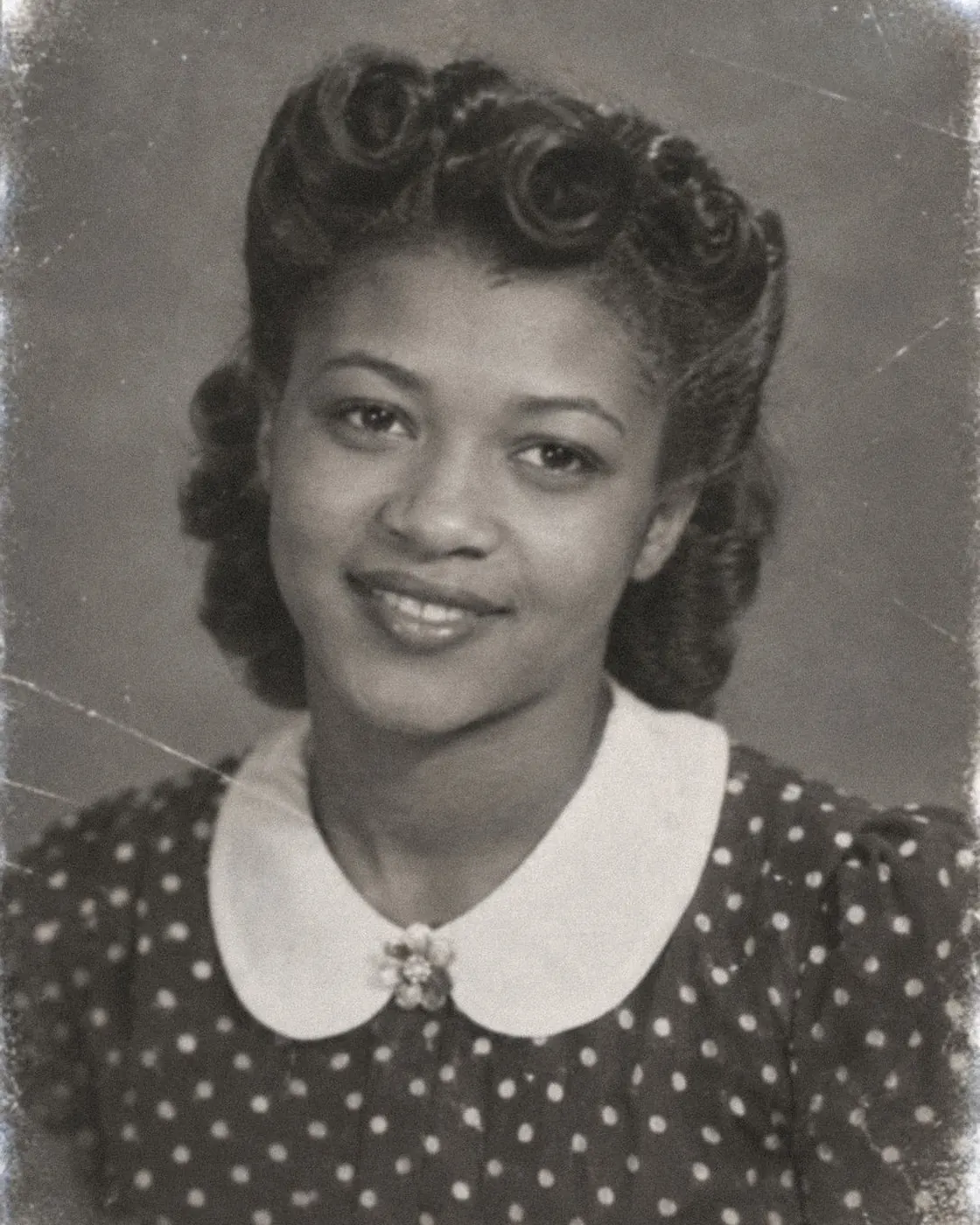
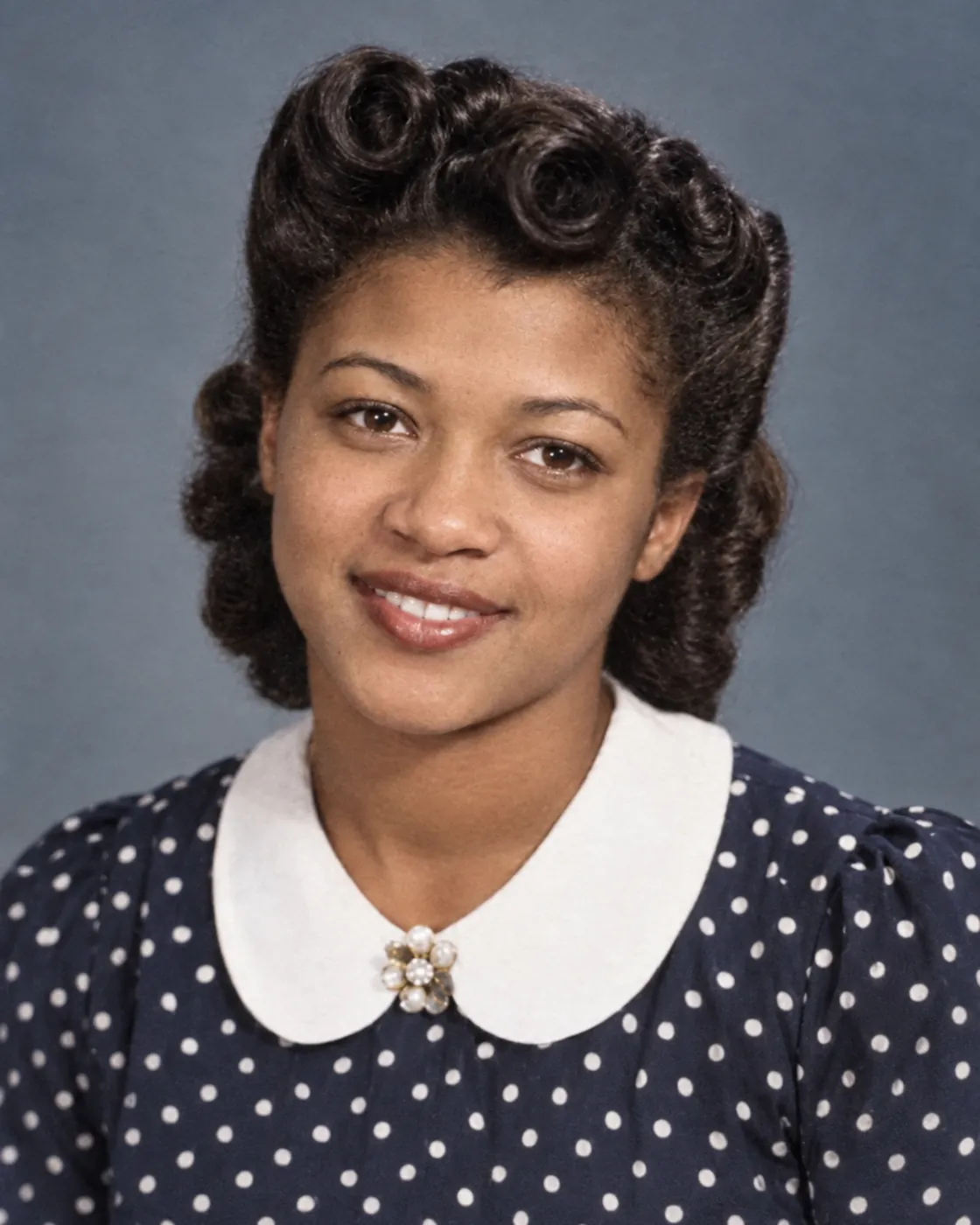
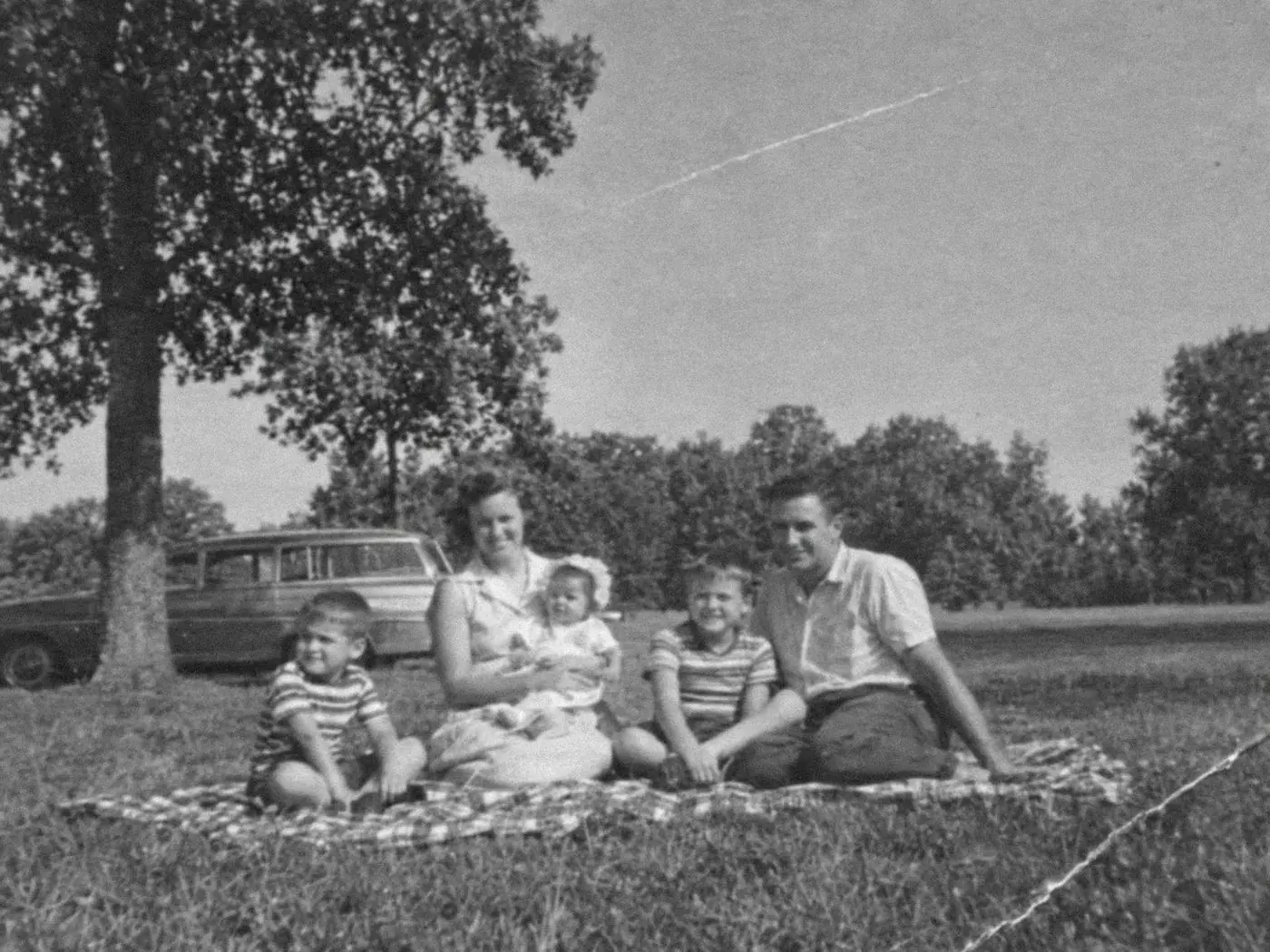
Sample photos: the people are AI-generated, and each restored version is a real result from this tool.
 BeforeAfter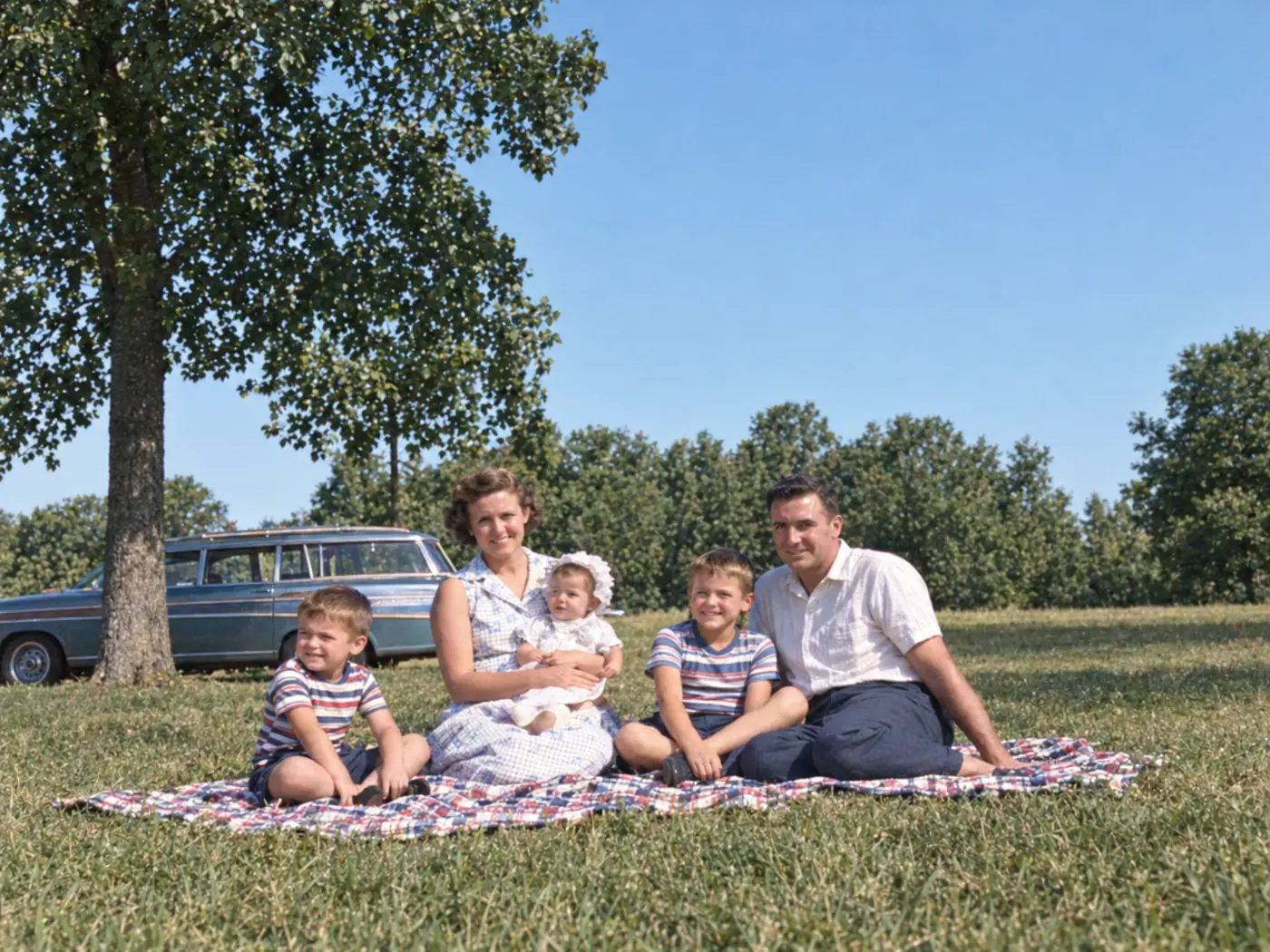
A 1957 family picnic, in color 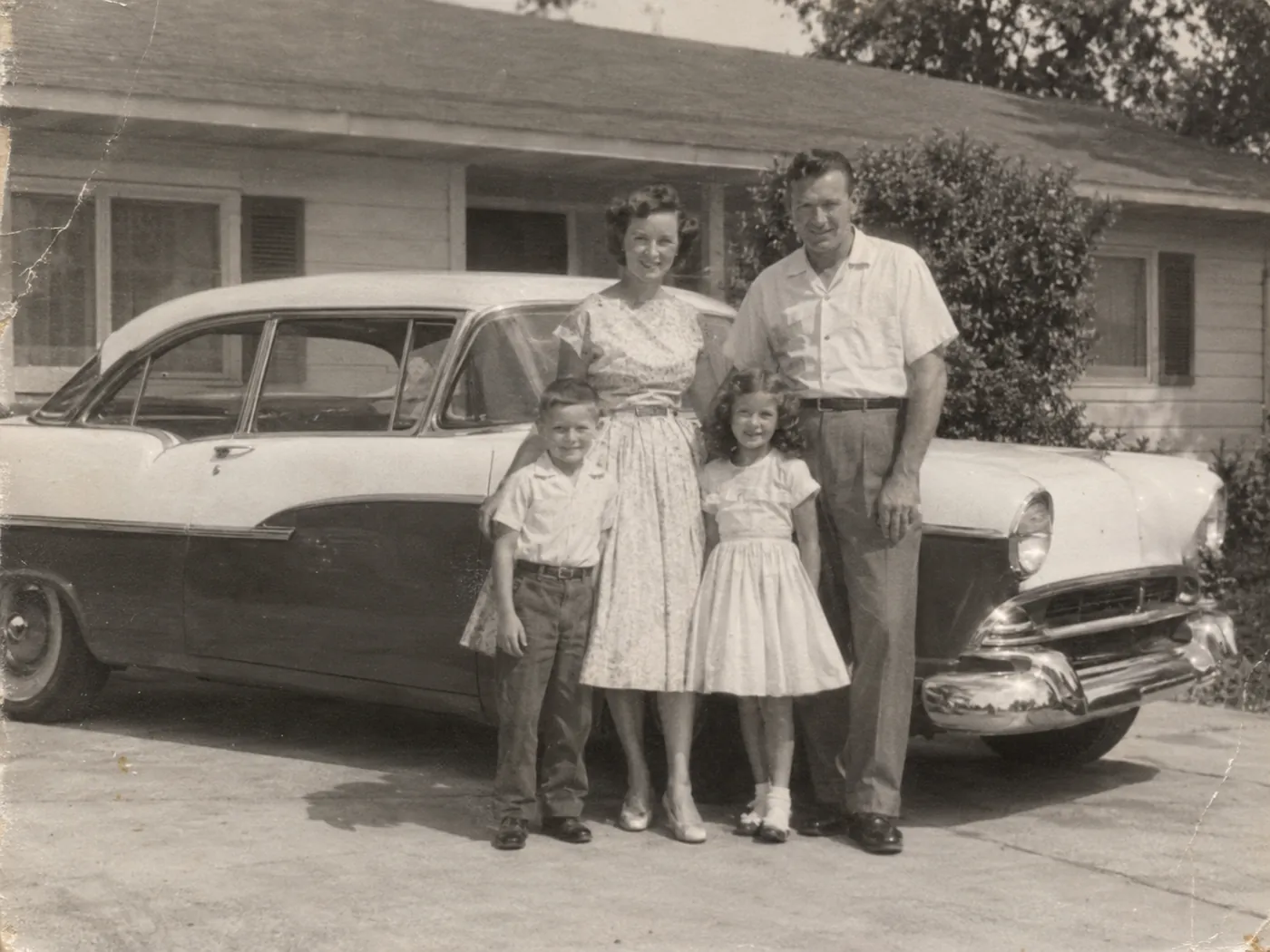 BeforeAfter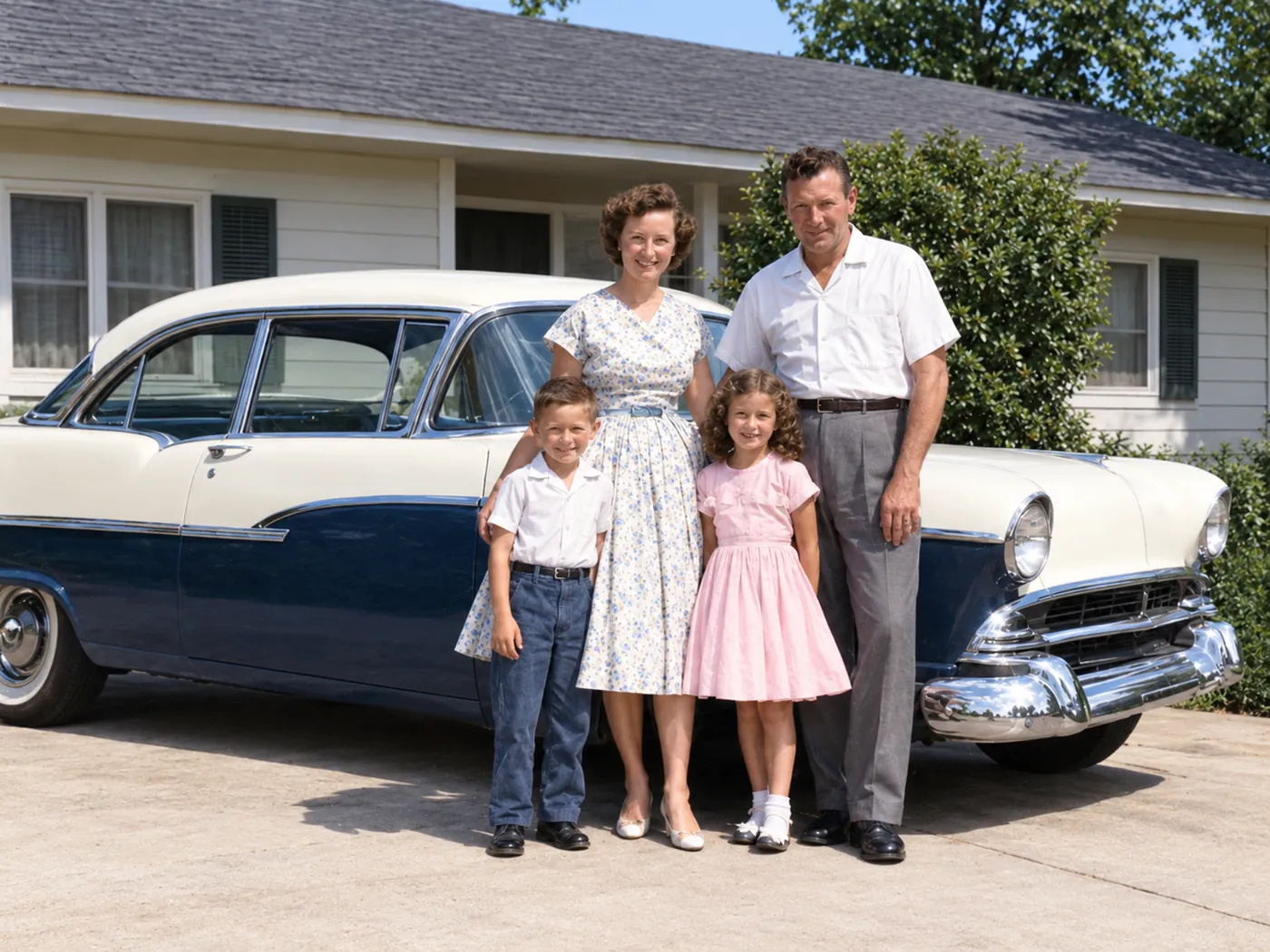
Black-and-white photos, in color 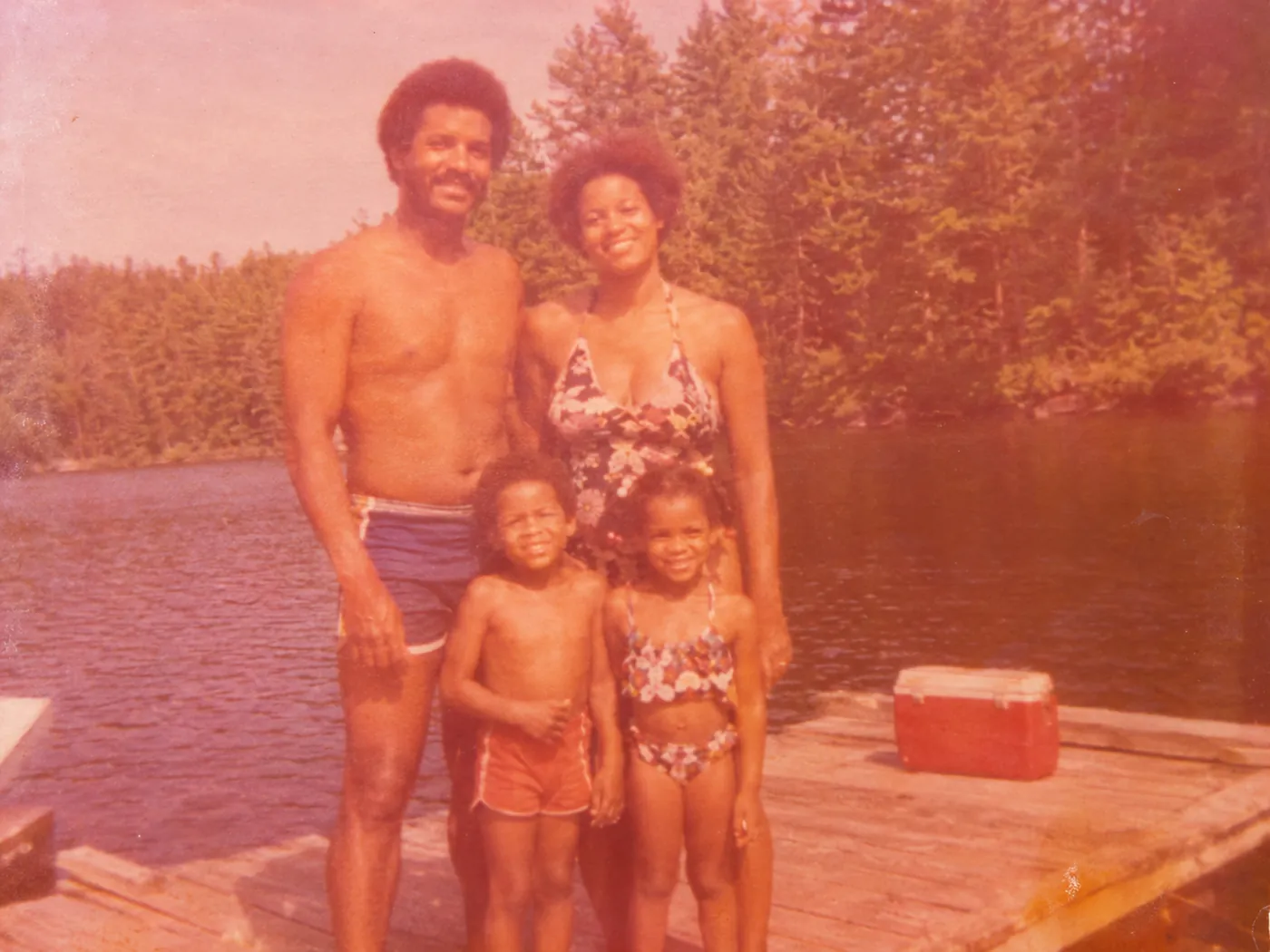 BeforeAfter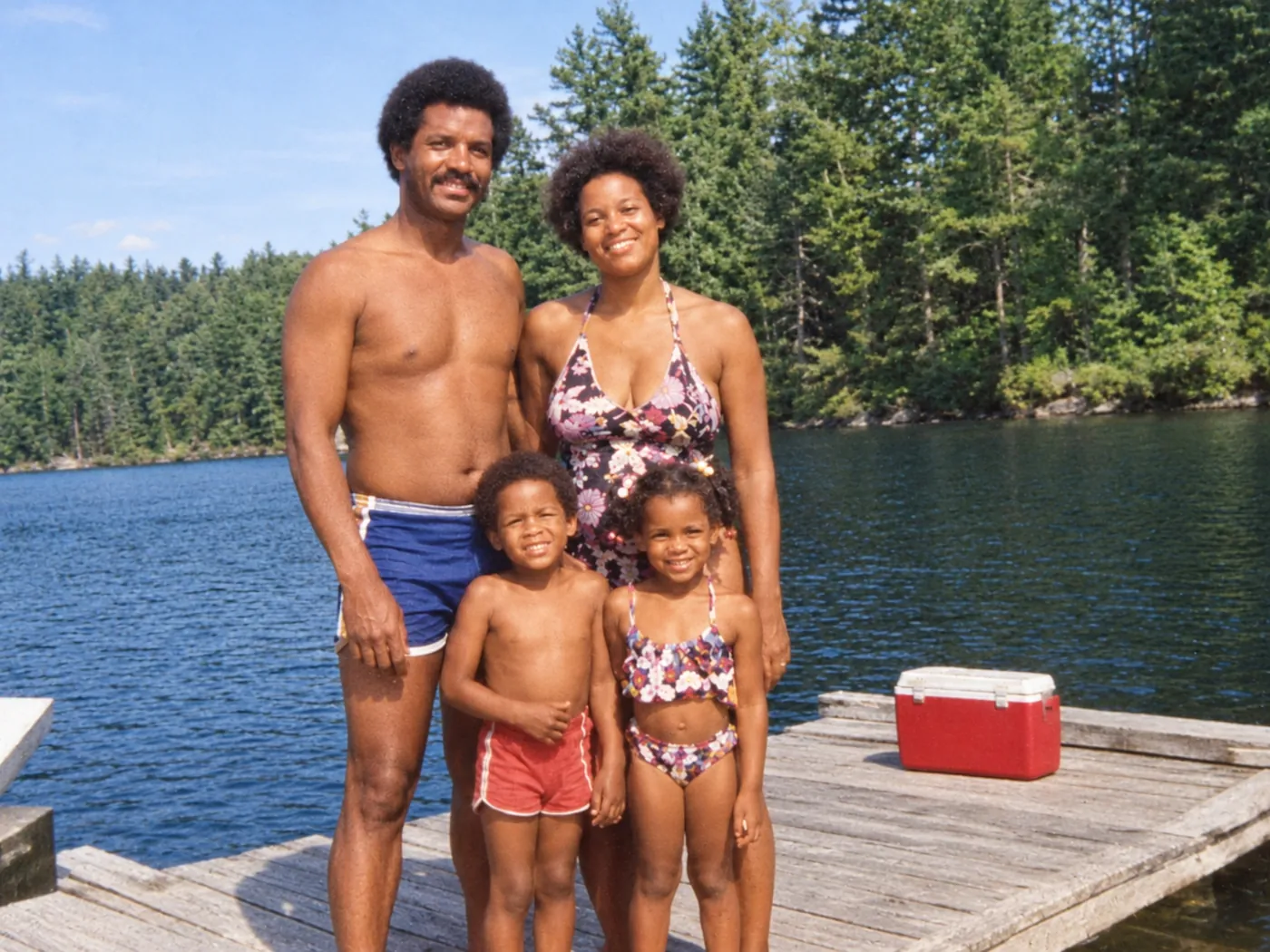
Faded and yellowed prints - BeforeAfter
A 1946 studio portrait, in color 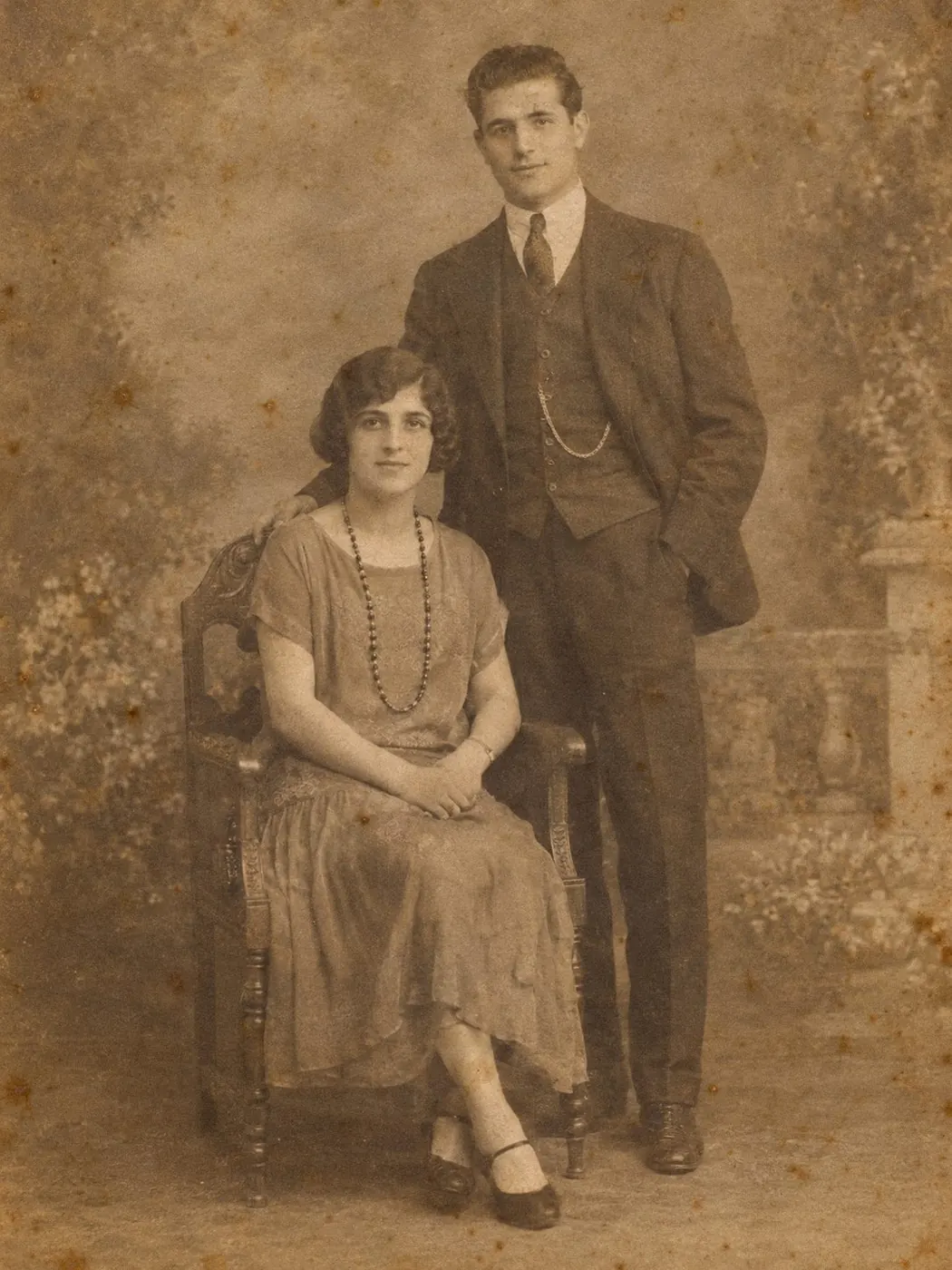 BeforeAfter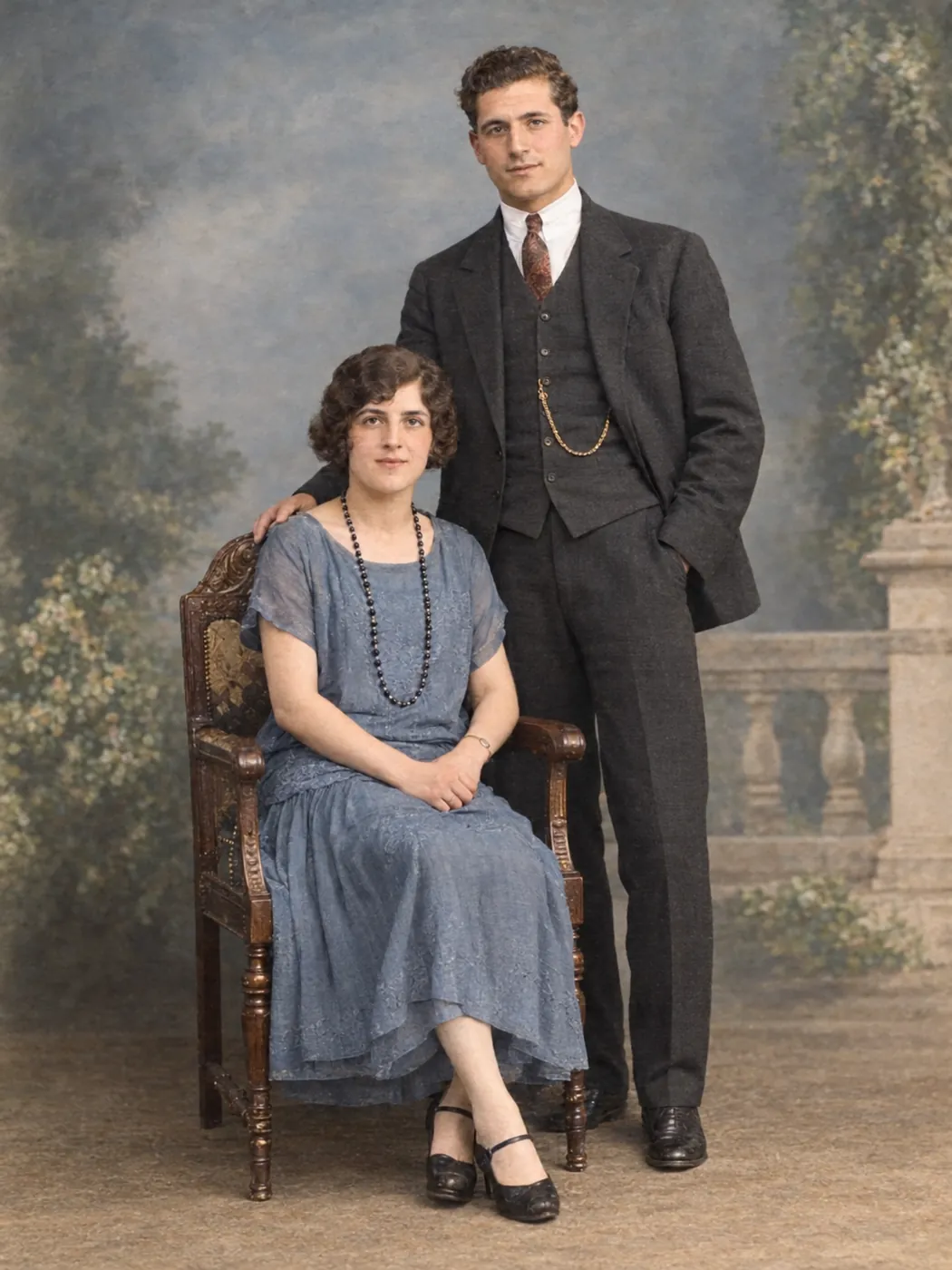
A 1924 studio portrait, in color
Black and white to color, with repairs in the same step
A 1950s snapshot is often gray, grainy, scratched and creased at a corner. One press of Restore photo works on all of it:
- Color for skin, hair, clothes, sky and lawns, chosen to suit what's in the picture
- Scratches, creases, small tears and grain repaired
- Soft faces, which usually come into focus
- Prints that went yellow, brown or pale, given their contrast back
Faces, clothes and the background should stay as they were, because the AI is told to repair the photo, not redraw it.
How to colorize black and white photos
You can colorize photo scans, or pictures you took of a print, in four steps on a computer or a phone.
Step 1: Make a good copy of the print.
Scan it at 600 (your scanner may call this DPI or resolution) with color turned on, even for a black-and-white print. No scanner? Lay the print flat in soft daylight, out of direct sun, and photograph it from straight above with the flash off. Our guide on how to scan old photos covers both ways.
Step 2: Upload it.
Bring back color is already selected on this page, so you only pick the file: tap Choose a photo or drop it in the box. JPG, PNG and WEBP up to 30 MB all work. To colorize image files saved from an email or a social media post, use the largest copy you can find.
Step 3: Press Restore photo.
Expect 1 to 3 minutes, now and then longer. Leave the page open and the screen on until the color version shows up.
Step 4: Check it, then download.
Pull the slider across faces and clothes, then tap Download. There's no watermark on the file.
AI colors are an educated guess
Black-and-white film only recorded light and dark. A red dress and a green one can print as the same gray, so the AI picks colors that are likely for what it sees.
Skin, sky, grass and trees come in a few shades, so they're easier to guess. A dress or a car could have been almost any color, and eye color is hard to tell from shades of gray.
Ask before you trust a color. An aunt or older cousin may remember the dress or the car, and you can write what they tell you in the optional notes box under More options, like "her dress was red". If a color looks wrong, you can try again with Keep original colors and get the repairs without it.
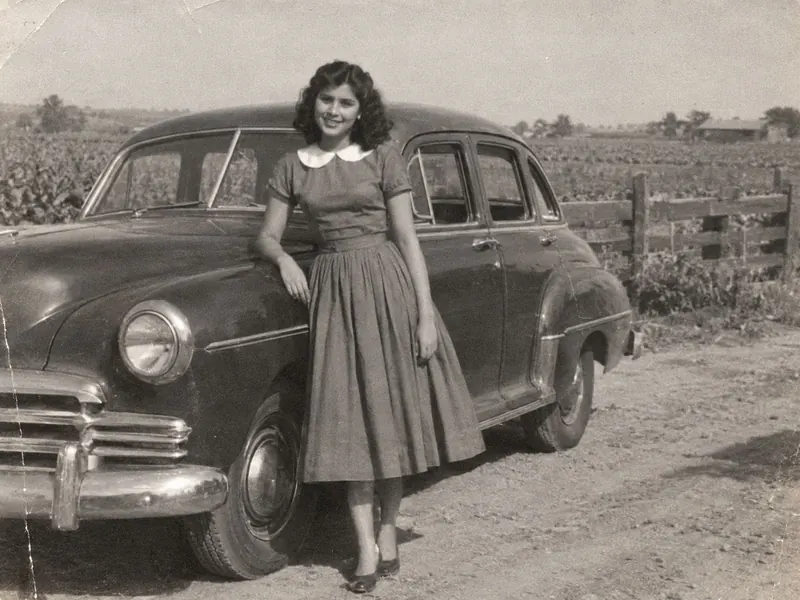
Original 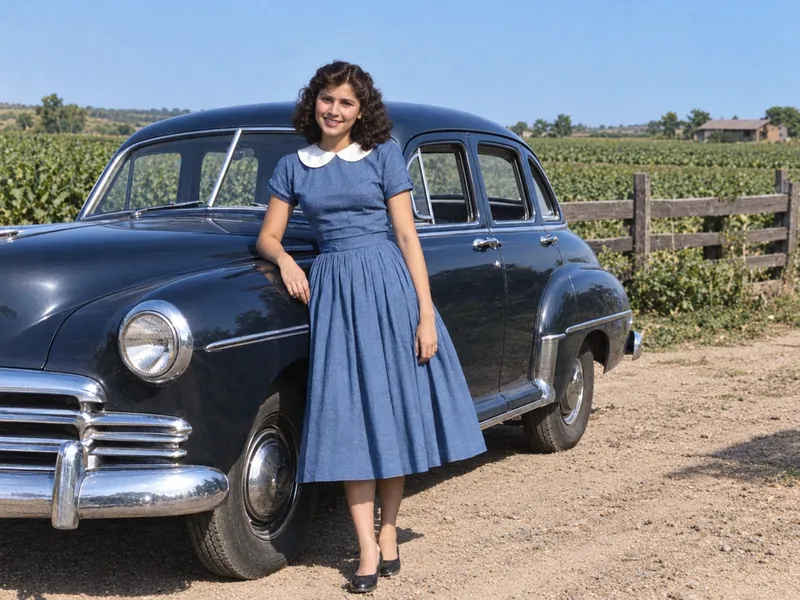
No note 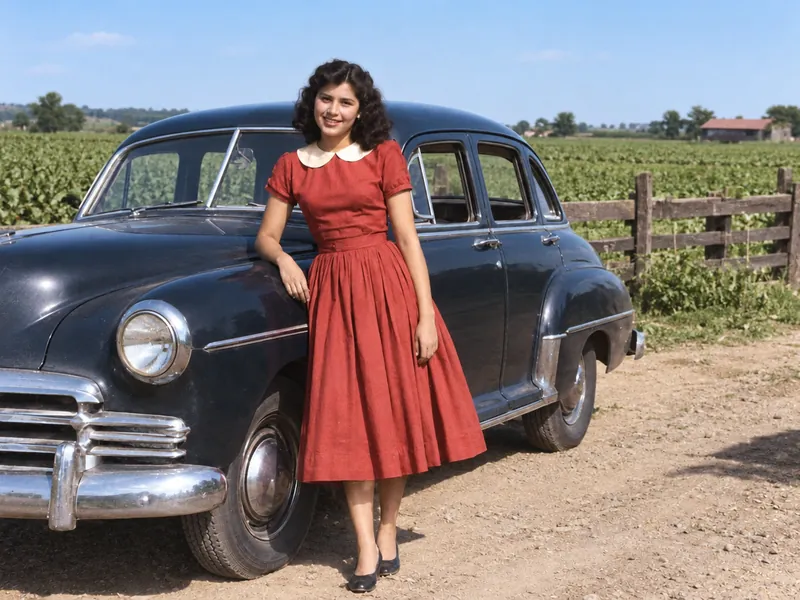
With the note: her dress was red
Keep each colorized copy next to the original scan and mark it as colorized.
When a color has to be exactly right, a professional photo editor can paint it from your description. The restoration services we checked in October 2026 added about $10 to $20 to their repair price for color, or charged about $60 for colorizing alone. Our guide to photo restoration services compares them.
Why people colorize old photos
For a family tree
Add the color version to your Ancestry or FamilySearch tree alongside the original, not in place of it. FamilySearch's blog also suggests comparing each colorized image with the original.
As a gift
Framed colorized old photos make easy gifts: Grandma's 1950s graduation portrait for her 85th birthday, or your father's childhood farmhouse printed once for each sibling. For a large frame, choose 2K or 4K, which come with any paid credit pack or plan.
For a reunion or a church history night
Plan on one picture at a time, since there's no batch upload. Start with the faces people ask about.
Colorize photo free: what's included
Some photo colorizer sites show a free preview, then charge for the download or add a logo; others ask you to sign up first. Here, color is free for everyone:
No account: one photo a day, color included. It comes out at standard size (about 1,450 × 1,090 pixels for a 4:3 print) with no watermark.
Free account: 2 more credits each day. A standard photo costs 2, so that's a second photo daily.
Paid: 2K (4 credits) and 4K (8 credits) for bigger prints, plus commercial use; free photos are for personal use. Monthly plans start at $9.90 for 100 credits, and one-time credit packs work too, so you never need a subscription. See pricing
FAQ
Yes. Color is never an extra charge, and downloads have no watermark. You get one standard-size photo a day without an account and a second with a free account. You'd pay only for 2K, 4K, commercial use or more photos.
To add color to a black-and-white photo, upload it on this page and press Restore photo. Bring back color is already chosen here. A scan, a phone picture of a print or an old digital file will do.
Yes. Use Safari, Chrome or any other phone browser; there's no app to get. Keep the screen on while it works. On an iPhone, Download puts the file in the Files app under Downloads, and you can save it to Photos from there. Android puts it in the Downloads folder.
Yes. A sepia print gets natural-looking color with Bring back color. Faded color prints, such as a 1970s snapshot that turned orange, are corrected in either mode, so Keep original colors works too.
Yes, when the damage is small. Scratches, creases and small tears are repaired in the same pass as the color, and they come out best away from faces. If a face is torn away or covered by a stain, it can't be recovered, because any AI would invent a new face. Heavy motion blur and tiny faces in big group shots are hit or miss. For a color photo that's only blurry, try unblur photo.
You can try. Open More options and write it in the optional notes box, like "his tie was maroon" or "the house was yellow". Then compare with the slider, since the AI may still choose another shade. Each try, retries included, uses a daily photo or its credits.
It shouldn't. The AI is told to repair, not re-create, so the face shape, expression, glasses and hairstyle should stay the same. It can still fill in fine detail. Look closely at the eyes and mouth as you move the slider, and for a lighter touch choose Closer to the original under More options.
People do ask ChatGPT and Gemini to turn black-and-white pictures to color, and what comes back depends on how the request is worded. On this page you don't have to write anything: the repair-first instructions are already set, and the notes box is optional. Upload, press Restore photo and compare. CodeFormer.io is an independent site, not affiliated with the CodeFormer authors, S-Lab or NTU.
Yes. They're private to you and never used to train AI, and nothing goes into a public gallery. Photos restored without a paid plan are deleted automatically after 30 days; paid users keep theirs until they delete them. You can delete any of your photos yourself at any time.
Try it on one black-and-white photo
Pick the photo you've always wanted to see in color. Today's first one costs nothing, color included.
What's new on this page
- — Launched: turn black-and-white and sepia photos into color online, free for everyone, with repairs in the same step.