How to Use CodeFormer: 6 Ways to Run It, Step by Step
 CodeFormer.io teamPublicado em
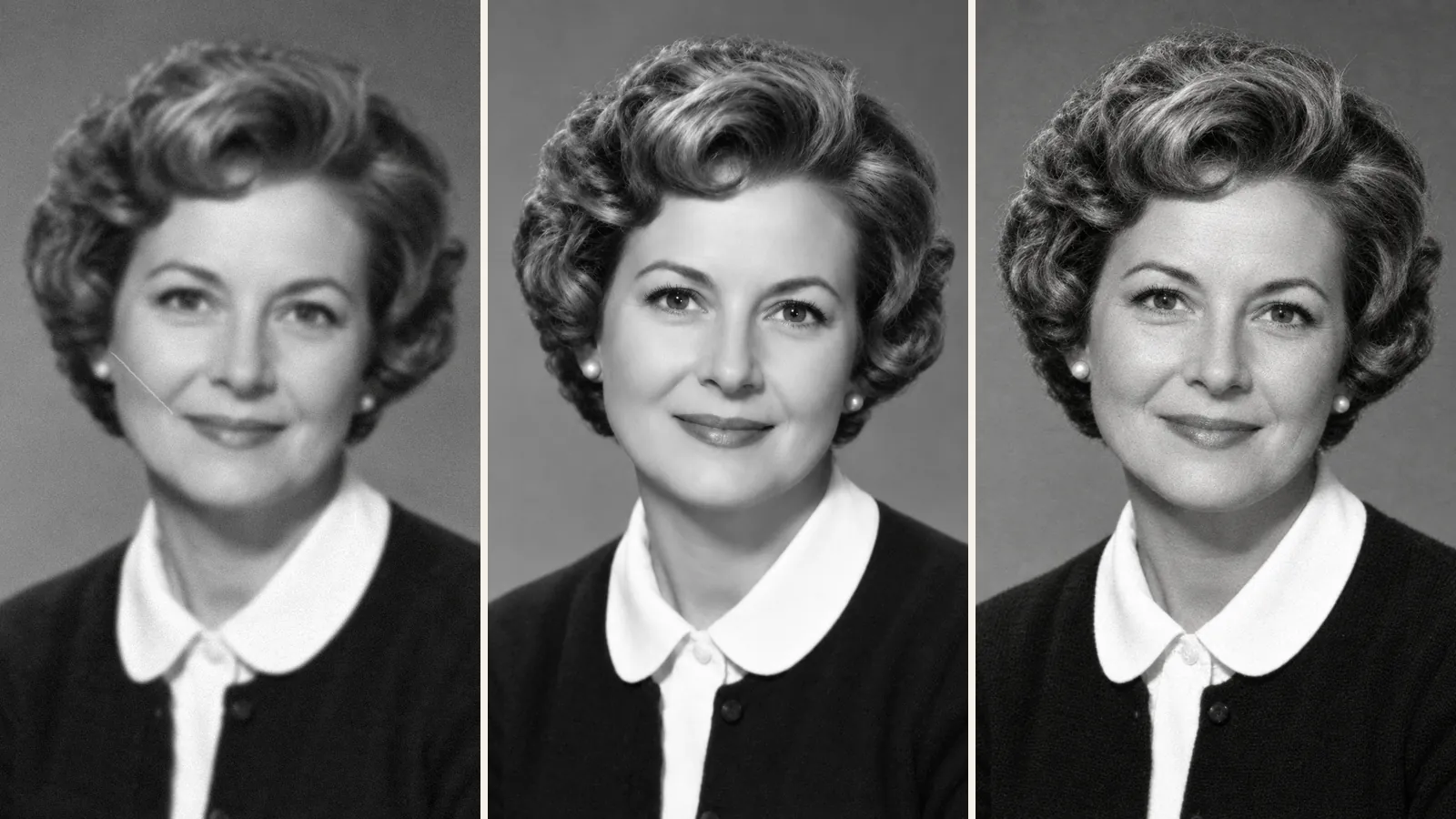
 CodeFormer is an AI model that sharpens blurry, damaged faces in photos. It's free for non-commercial use, and there are six common ways to run it.
Three work in a web browser: the authors' demos on Hugging Face and Replicate, and their Google Colab notebook. The other three install on your own computer: the official GitHub code, the Automatic1111 WebUI, and ComfyUI with a community node. If you want to learn how to use CodeFormer with no install and no account, start with the Hugging Face demo.
CodeFormer.io, the site you're reading, is an independent photo restoration website. It has no connection to CodeFormer's authors or to S-Lab at Nanyang Technological University (NTU). If you only want an old family photo fixed, it does that in a phone or computer browser, with nothing to install.

What is CodeFormer?
CodeFormer is a face restoration model built by four researchers at S-Lab, NTU: Shangchen Zhou, Kelvin C.K. Chan, Chongyi Li and Chen Change Loy. They presented it at NeurIPS 2022. You give it a blurry, grainy or pixelated face, and it hands back a sharper one.
It learned what sharp faces look like from high-quality face photos, and it uses that knowledge to make its best guess at yours. So its main setting decides how far that guess may go: the fidelity weight, w, from 0 to 1. A low w gives a cleaner face with more of it guessed. A high w stays closer to your photo but cleans up less.
The official code, on GitHub, also handles whole photos and video.
How to use CodeFormer: the 6 options compared
| Option | Install? | Account | Cost | Main catch | Phone? |
|---|---|---|---|---|---|
| Official GitHub code | Install?Yes: Python, PyTorch, CUDA, model files | AccountNone | CostFree, on your own graphics card | Main catchSetup errors | Phone?No |
| Hugging Face demo (official) | Install?No | AccountNot needed | CostFree | Main catchSmall daily GPU allowance, shared queue | Phone?Opens, but the controls are technical |
| Replicate (official) | Install?No | AccountGitHub sign-in | CostLimited free runs, then about $0.0043 each | Main catchBilling after the free runs | Phone?Web form, GitHub account first |
| Google Colab (official notebook) | Install?Cloud setup each session | AccountGoogle account | CostFree, GPU not guaranteed | Main catchCode cells to run | Phone?Not practical |
| Automatic1111 WebUI | Install?Yes: the WebUI and Python 3.10.6 | AccountNone | CostFree, on your hardware | Main catch1 on the weight slider means the weakest effect | Phone?No |
| ComfyUI + facerestore_cf node | Install?Yes: ComfyUI, the node, codeformer.pth | AccountNone | CostFree, on your hardware | Main catchManual model download | Phone?No |
Checked October 20, 2026. Allowances and prices change. A third official demo, on China's OpenXLab, no longer opens.
CodeFormer.io isn't in the table because it's a separate photo restoration website. There, one standard photo a day is free without an account, and more photos use credits.
1. Install the official code from the CodeFormer GitHub repo
Installing the official code gives you no daily limits, and it can work through a whole folder of photos or a video. In return, it needs a command line and, in practice, an NVIDIA graphics card.
You need conda with Python 3.8, PyTorch 1.7.1 or newer and CUDA 10.1 or newer. Then follow the README:
- Run
git clone https://github.com/sczhou/CodeFormer, then create and activate a Python 3.8 conda environment. - Run
pip3 install -r requirements.txt, thenpython basicsr/setup.py develop. - Fetch the model files with
python scripts/download_pretrained_models.py facelib, then the same command withCodeFormer. - Restore a photo:
python inference_codeformer.py -w 0.7 --input_path photo.jpg --bg_upsampler realesrgan --face_upsample
A CodeFormer download is code plus model files such as codeformer.pth, so there is no app to open.
Two known problems are filed in the repo's issues. A "Running on CPU now!" warning usually means PyTorch doesn't match your CUDA version (issue #176). A black background when Real-ESRGAN runs on a GPU is issue #145.
2. Use the CodeFormer Hugging Face demo (free, no install)
The free way to try it with no install and no account is the authors' own demo, the Hugging Face Space sczhou/CodeFormer.
- Upload a photo smaller than 4 megapixels.
- Leave the three boxes checked: Pre_Face_Align, Background_Enhance and Face_Upsample.
- Set Rescaling_Factor (up to 4) and the Codeformer_Fidelity slider, which starts at 0.5.
- Click Enhance Image. Save the result within 30 seconds, because the demo deletes it after that.
Logged-out visitors get 2 minutes of GPU time a day on Hugging Face, at low priority, and a free account raises that to 5 minutes. There's no published figure for how many photos that buys. The demo runs 2 jobs at once and holds up to 10 in line, and past that you'll see "queue is full." It also turns away high-resolution group photos with more than 15 faces.
3. The Replicate CodeFormer demo: free runs, then pay per photo
Replicate hosts the second official demo, sczhou/codeformer. To use it, you sign in with GitHub, the only sign-in option the page offered when we checked. Upload an image, adjust codeformer_fidelity (0.5 by default) and upscale (2 by default), and run it. Replicate's page says predictions typically complete within 5 seconds, though a cold start can add a wait.
A new account gets a limited number of free runs, and Replicate doesn't publish how many. After that you add billing, at about $0.0043 per run, or 232 runs per $1. The page also notes that its CodeFormer API can't be used commercially.
4. The official CodeFormer Colab notebook
The authors' Colab notebook runs the model on a Google cloud machine, so nothing installs on your computer. You open it from the "Open in Colab" badge in the README and sign in with a Google account.
- Open Runtime, choose Change runtime type, and pick a GPU option under Hardware accelerator.
- Run the setup cells. They set everything up again each session, so expect a wait.
- Run the upload cell and choose your photo, then set CODEFORMER_FIDELITY, which starts at 0.7.
- Run the last cell to download
results.zip.
Google calls free GPU access "heavily restricted" and doesn't publish the limits. A free session lasts 12 hours at most, and less if you leave it idle. The notebook also hasn't been updated in a while: its saved output comes from an older Colab setup (Python 3.9, PyTorch 2.0).
5. CodeFormer in Automatic1111 (Stable Diffusion WebUI)
CodeFormer comes built into the AUTOMATIC1111 Stable Diffusion WebUI. The WebUI needs Python 3.10.6 and git, an NVIDIA card is recommended, and 4 GB video cards are supported.
You'll find it in two places. In Settings, "Face restoration model" is set to CodeFormer by default, with a "CodeFormer weight" slider at 0.5. The Extras tab has its own CodeFormer section, with a "Visibility" slider and a "Weight" slider that starts at 0.
Both weight sliders are labeled the same way: "0 = maximum effect" and "1 = minimum effect." In a 2022 r/StableDiffusion test, one user set the weight to 1 expecting the strongest fix and got the weakest.
6. CodeFormer in ComfyUI (custom node)
ComfyUI has no CodeFormer node of its own, so the common route is a community node called facerestore_cf. It supports the fidelity setting.
- Clone facerestore_cf into
ComfyUI/custom_nodesand run its install script. - Download
codeformer.pthfrom the v0.1.0 release in the CodeFormer GitHub repo and put it inmodels/facerestore_models. If you already use Automatic1111, you may have the file. - Restart ComfyUI and add the node to a workflow.
If the install fails, the node's README says you'll need to install opencv-python yourself.
CodeFormer fidelity (weight) explained: which value to pick
For a photo of someone you knew, start at 0.7. If the face still looks soft, try 0.5. Go lower only when a face is badly damaged, and expect the model to guess more.
| Value | What you get | Good for |
|---|---|---|
| 0 to 0.3 | What you getThe cleanest face, with the most detail filled in. It can drift from the real person | Good forBadly damaged faces |
| 0.5 | What you getThe middle, and the default on Hugging Face, Replicate and A1111 Settings | Good forA first try |
| 0.7 | What you getCloser to the original. The README uses it for whole photos | Good forFamily photos where likeness matters |
| 1.0 | What you getClosest to your photo, with the least cleanup | Good forLight blur. The README uses it for video |
Run 0.5 and 0.7 on the same photo and compare the eyes and mouth. Keep the untouched file as well, since any result can contain detail the model filled in.
Can you use CodeFormer for commercial work?
Not without permission. Its S-Lab License 1.0 allows use and sharing for non-commercial purposes only, and it asks anyone with a commercial use in mind to contact the authors. Running it on Colab, Automatic1111, ComfyUI or a paid API doesn't change those license terms. You can read the LICENSE file in the GitHub repo. This is a plain-language summary, not legal advice.
FAQ
Is CodeFormer free?
Yes, for non-commercial use. The code costs nothing, and the Hugging Face demo is free within a small daily GPU allowance. Replicate charges per run once its free runs are used up, and free Colab doesn't guarantee you a GPU.
Can I use CodeFormer without installing it?
Yes. Three routes need no install: the official Hugging Face demo (no account), Replicate (GitHub sign-in) and the authors' Colab notebook (a Google account, and you run the cells yourself).
Is there a CodeFormer download for Windows or Mac?
Not as an app. The authors publish no Windows or Mac installer, only code and model files on GitHub that you set up with Python. A one-click "CodeFormer app" found elsewhere doesn't come from them.
Does CodeFormer work on a phone?
Not well, and there's no official app. The Hugging Face demo opens in a phone browser, but its controls are technical and the result is deleted after 30 seconds. To fix an old photo from your phone, CodeFormer.io works in a phone browser with nothing to install, and its options use plain words. On an iPhone, its downloads appear in the Files app, in the Downloads folder, and can be saved to Photos from there.
Which CodeFormer websites are official?
Per the README, only the demos on Hugging Face, Replicate and OpenXLab are run by the authors, and the OpenXLab one no longer opens. The README also lists several unofficial sites and warns readers to check them to avoid losing money. CodeFormer.io isn't one of the official demos. It's run independently and has no ties to the authors, S-Lab or NTU.
Does CodeFormer fix scratches and the rest of the photo?
Mostly no. It works on faces. Whole-photo mode can also upscale the background with Real-ESRGAN if you add that option, but the README doesn't describe scratch or crease repair. It also warns that blending the face back into the photo may damage hair texture at the edge. Comparing face models? Read CodeFormer vs GFPGAN.
Can CodeFormer colorize a photo?
Only cropped faces. Its colorization script works on cropped and aligned face images of 512 × 512 pixels, not on a whole photo. For a whole black-and-white photo, try the colorize photo page on this site.
How to use CodeFormer: which way to pick
- The Hugging Face demo, if you want to try it once.
- Replicate, if you need an API.
- Colab, if you're fine with code but have no graphics card.
- The GitHub install, for folders of photos, video or no daily limit.
- Automatic1111 or ComfyUI, if you already use Stable Diffusion.
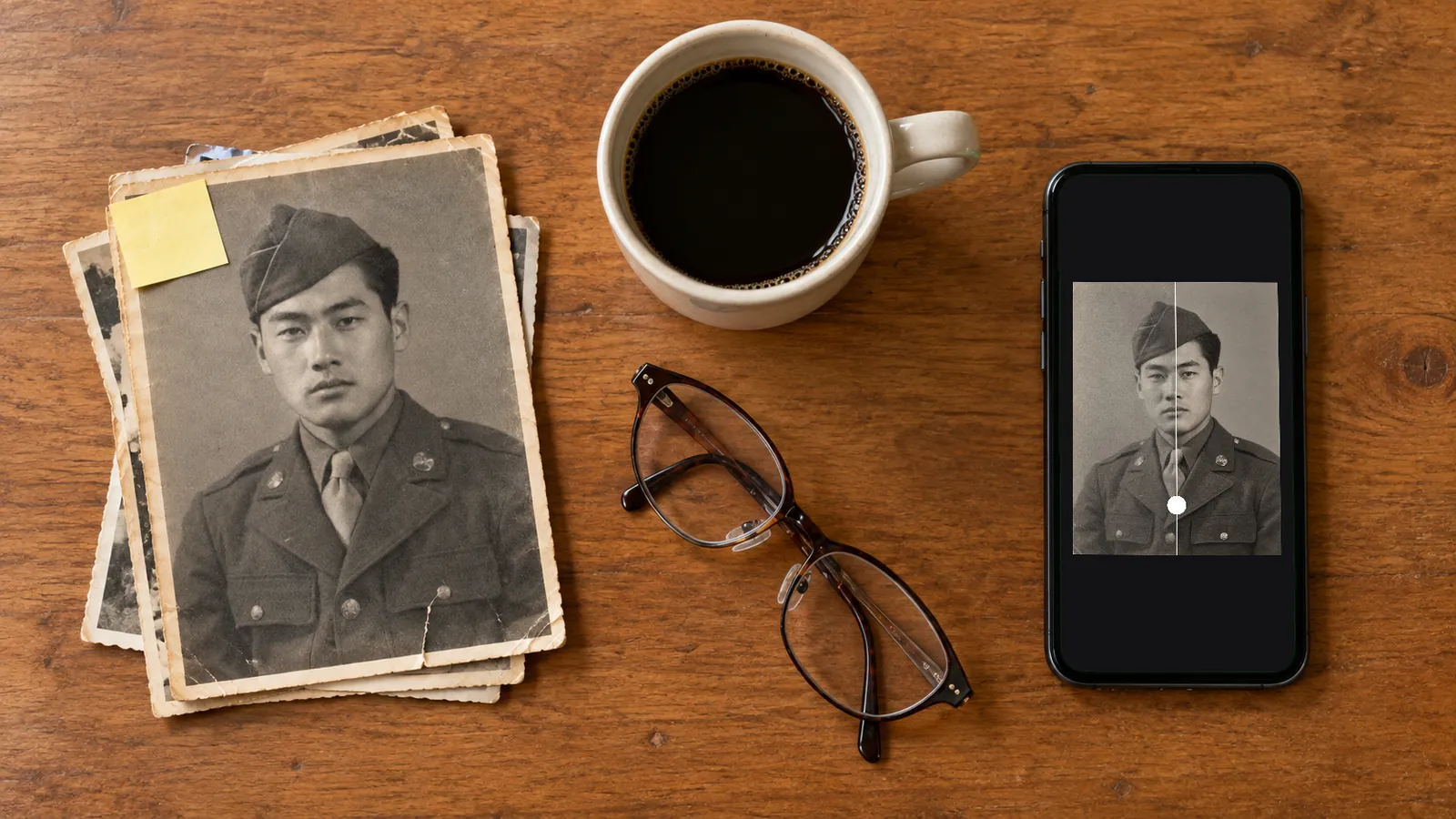
Grandma's portrait doesn't need any of that setup. Scan or photograph the print first (how to scan old photos), then open CodeFormer.io on your phone or computer and choose the photo. You get one free photo a day with no account and no watermark, and the homepage shows how it works. There's no fidelity number to set. If likeness matters most, open More options and choose Closer to the original.
When a face is ripped away or lost under a stain, no AI can bring back the real one. Some human restorers rebuild missing parts by hand from other photos of the same person, and our photo restoration services guide covers that kind of hand work.
Novidades desta página
- — Published. Demos, allowances and prices checked on October 20, 2026.